> For the complete documentation index, see [llms.txt](https://documentation.siteglide.com/llms.txt). Markdown versions of documentation pages are available by appending `.md` to page URLs; this page is available as [Markdown](https://documentation.siteglide.com/studio-and-sitebuilder/studio-introduction/studio-themes/install-a-studio-theme.md).
# Install a Studio Theme
{% hint style="info" %}
Ensure the Studio module is installed: [Install Studio Module](https://documentation.siteglide.com/studio-and-sitebuilder/studio-introduction/install-studio-module.md)
{% endhint %}
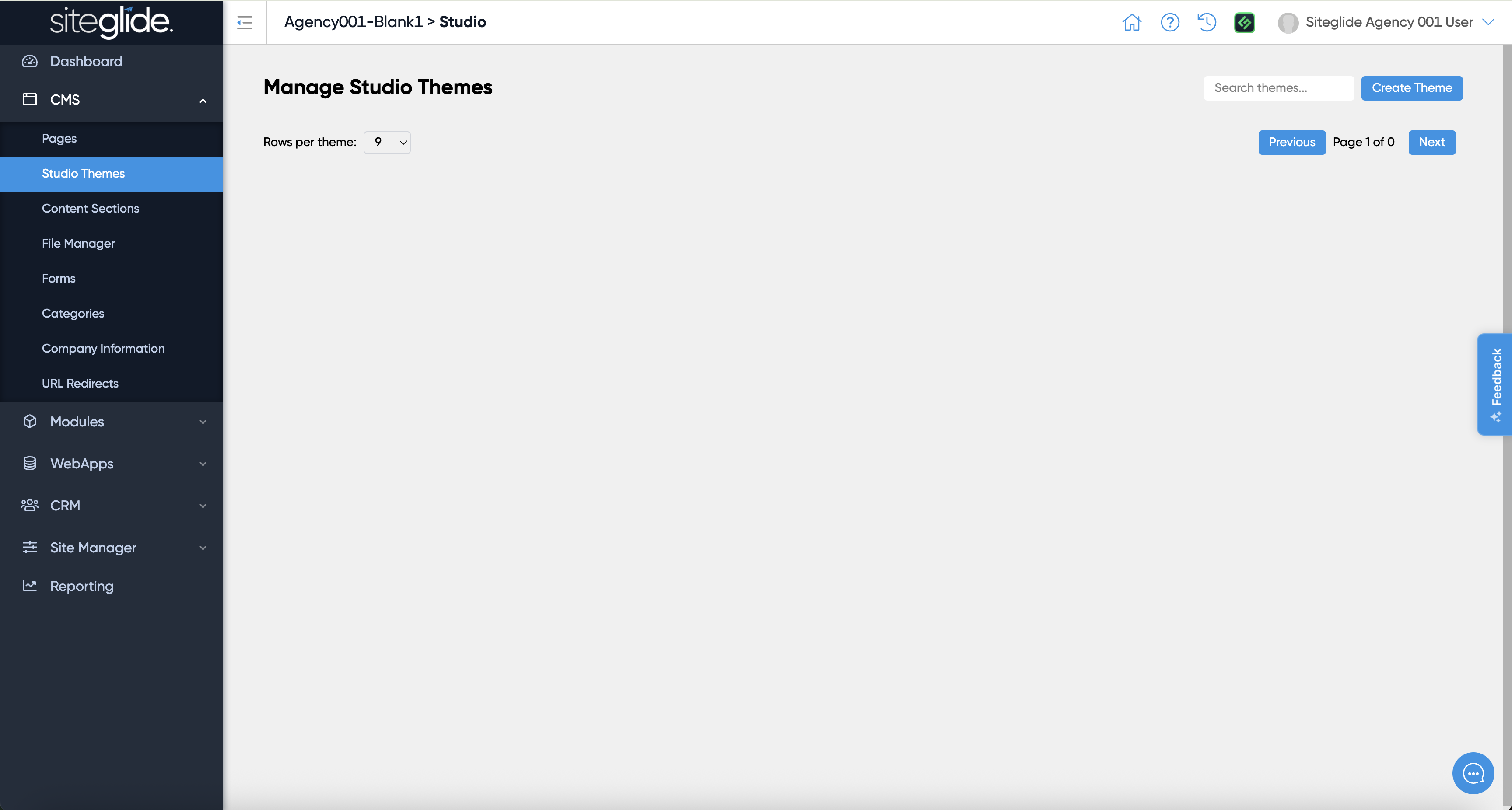
From the Admin area of a site that has the Studio Module installed head to CMS > Studio Themes and click Create Theme:
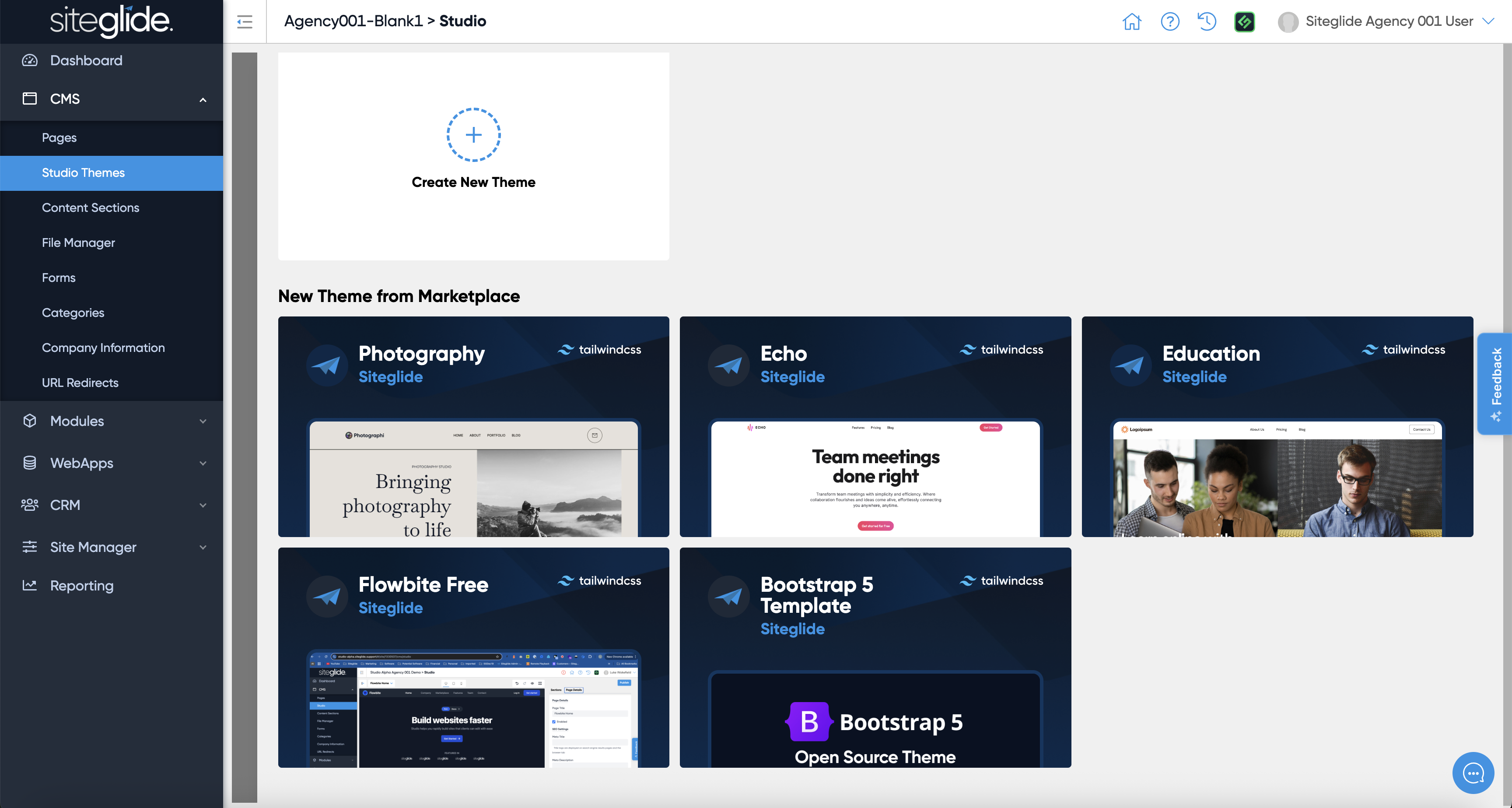
Here you can create a blank Theme or install from the Marketplace library of Themes:
Click install on your chosen Theme (or create a new one) and you'll then be able to edit the Styling or Sections areas:
{% content-ref url="/pages/1m8pHISAMG5QihlUONJN" %}
[Theme Styling](https://documentation.siteglide.com/studio-and-sitebuilder/studio-introduction/studio-themes/theme-styling.md)
{% endcontent-ref %}
{% content-ref url="/pages/T8Nu3aqslxwlPAsjsHxS" %}
[Theme Sections](https://documentation.siteglide.com/studio-and-sitebuilder/studio-introduction/studio-themes/theme-sections.md)
{% endcontent-ref %}