> For the complete documentation index, see [llms.txt](https://documentation.siteglide.com/llms.txt). Markdown versions of documentation pages are available by appending `.md` to page URLs; this page is available as [Markdown](https://documentation.siteglide.com/studio-and-sitebuilder/studio-introduction/install-studio-module.md).
# Install Studio Module
Alternatively you might want to use Studio on an existing website or from a blank site if you don't need the whole template and all the pages.
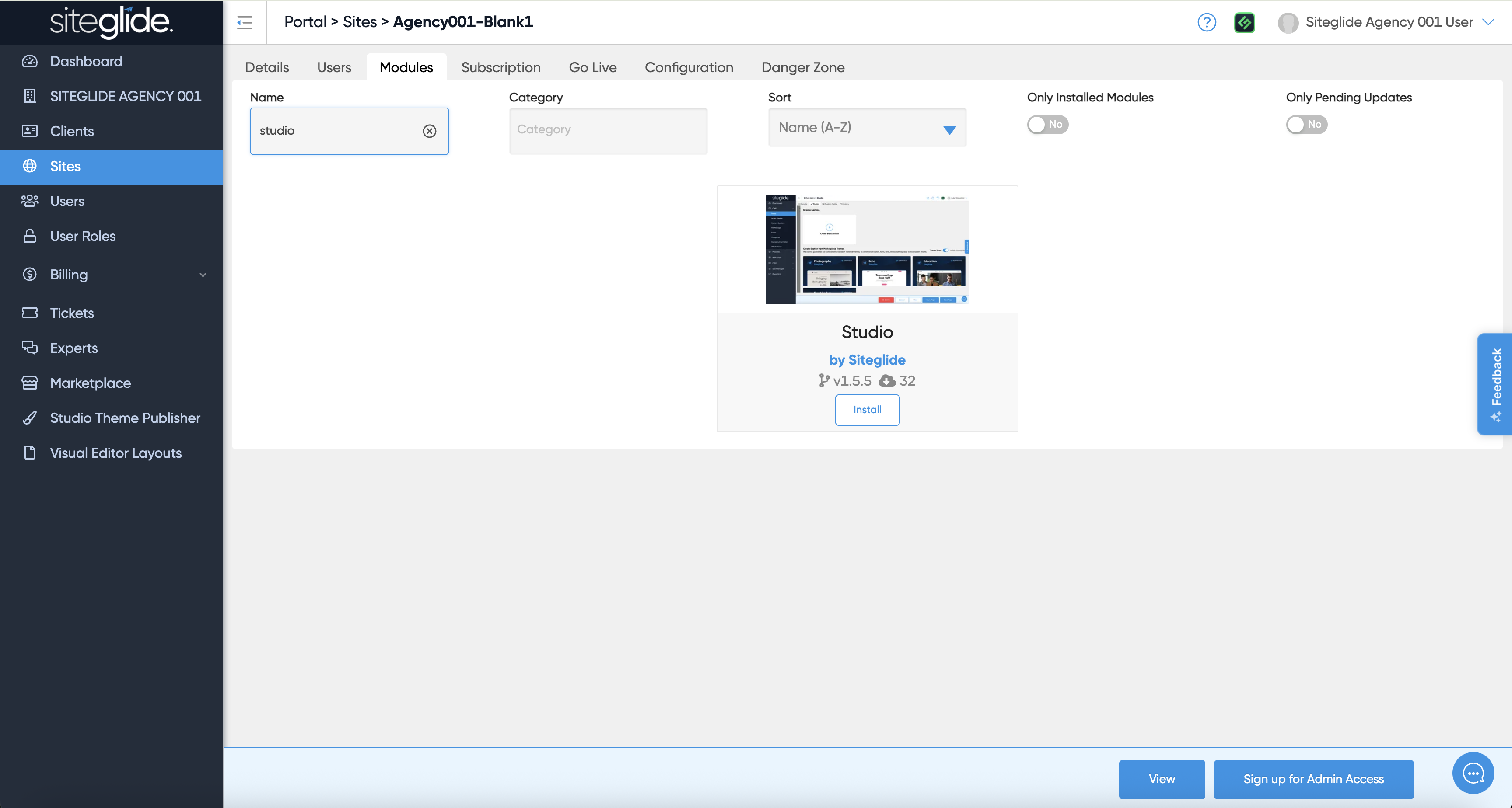
First install the Studio Module from the Siteglide Marketplace in Portal:
You will likely then want to install or create a Studio Theme:
{% content-ref url="/pages/4Pkb3rXntvCOx1tiLjmN" %}
[Install a Studio Theme](https://documentation.siteglide.com/studio-and-sitebuilder/studio-introduction/studio-themes/install-a-studio-theme.md)
{% endcontent-ref %}
You then setup/customise your Theme, Templates and Pages manually. Previous Siteglide experience is recommended so consider using a Site Template instead:
{% content-ref url="/pages/PM4Q4a7YFSFvGlxm7BuM" %}
[Copy a Site Template](https://documentation.siteglide.com/studio-and-sitebuilder/studio-introduction/setup.md)
{% endcontent-ref %}
Follow our interactive guide:
{% embed url="" %}