> For the complete documentation index, see [llms.txt](https://documentation.siteglide.com/llms.txt). Markdown versions of documentation pages are available by appending `.md` to page URLs; this page is available as [Markdown](https://documentation.siteglide.com/site-manager/headers-and-footers.md).

# Headers & Footers

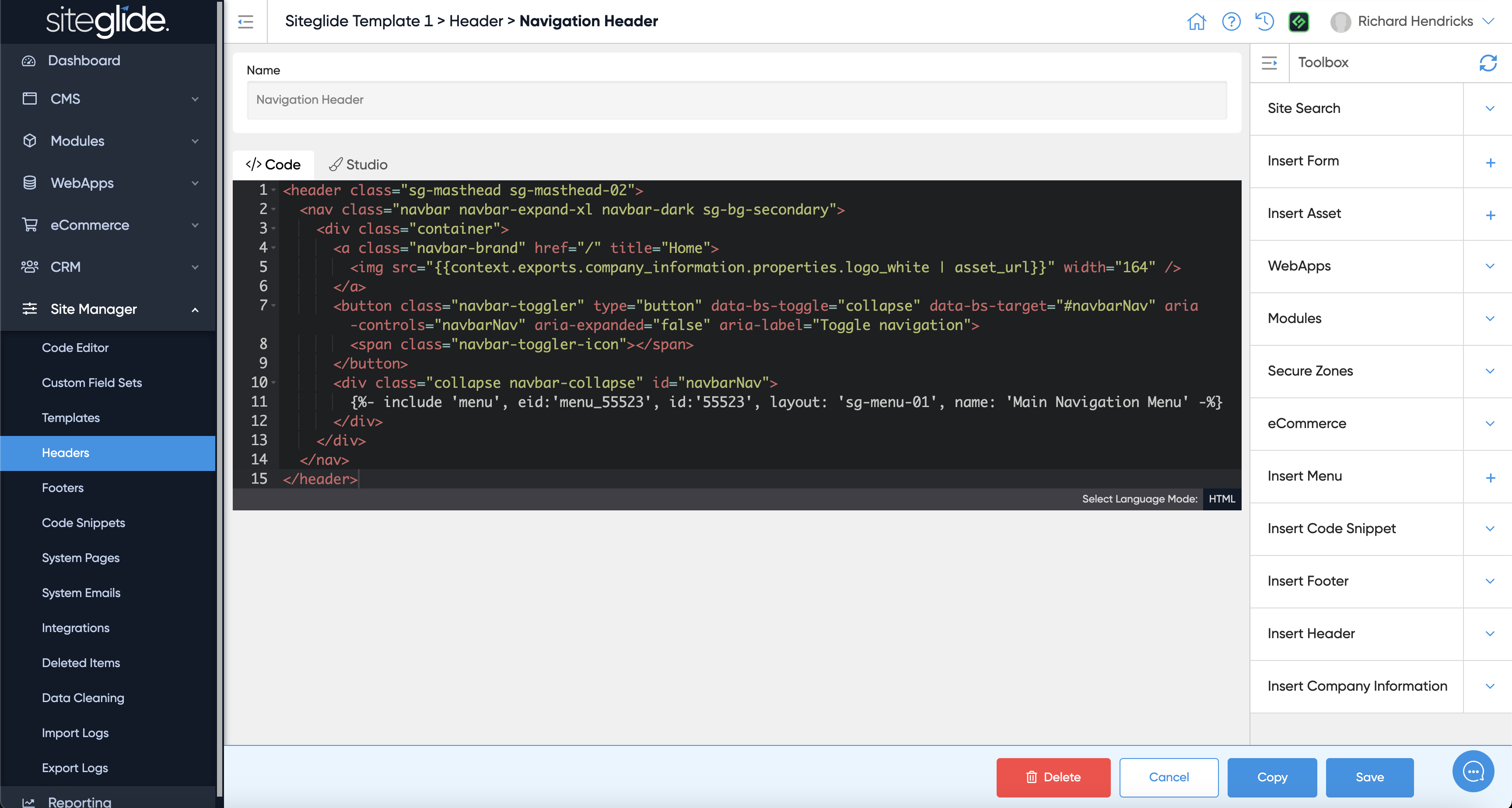
Headers and Footers are simply content areas to help you split out the Header and Footer code from the rest of the Template/Pages.

It would likely contain the whole Header strip (including navigation) or the whole Footer Strip.

<figure><img src="https://584571746-files.gitbook.io/~/files/v0/b/gitbook-x-prod.appspot.com/o/spaces%2Ft7n2OYNNUr9PgpkBD2eX%2Fuploads%2Fgit-blob-6df65f8cb7a5f6908449ad6cb1593d8bf19de4d8%2FSiteglide-Site-Manager-Headers.png?alt=media" alt=""><figcaption></figcaption></figure>

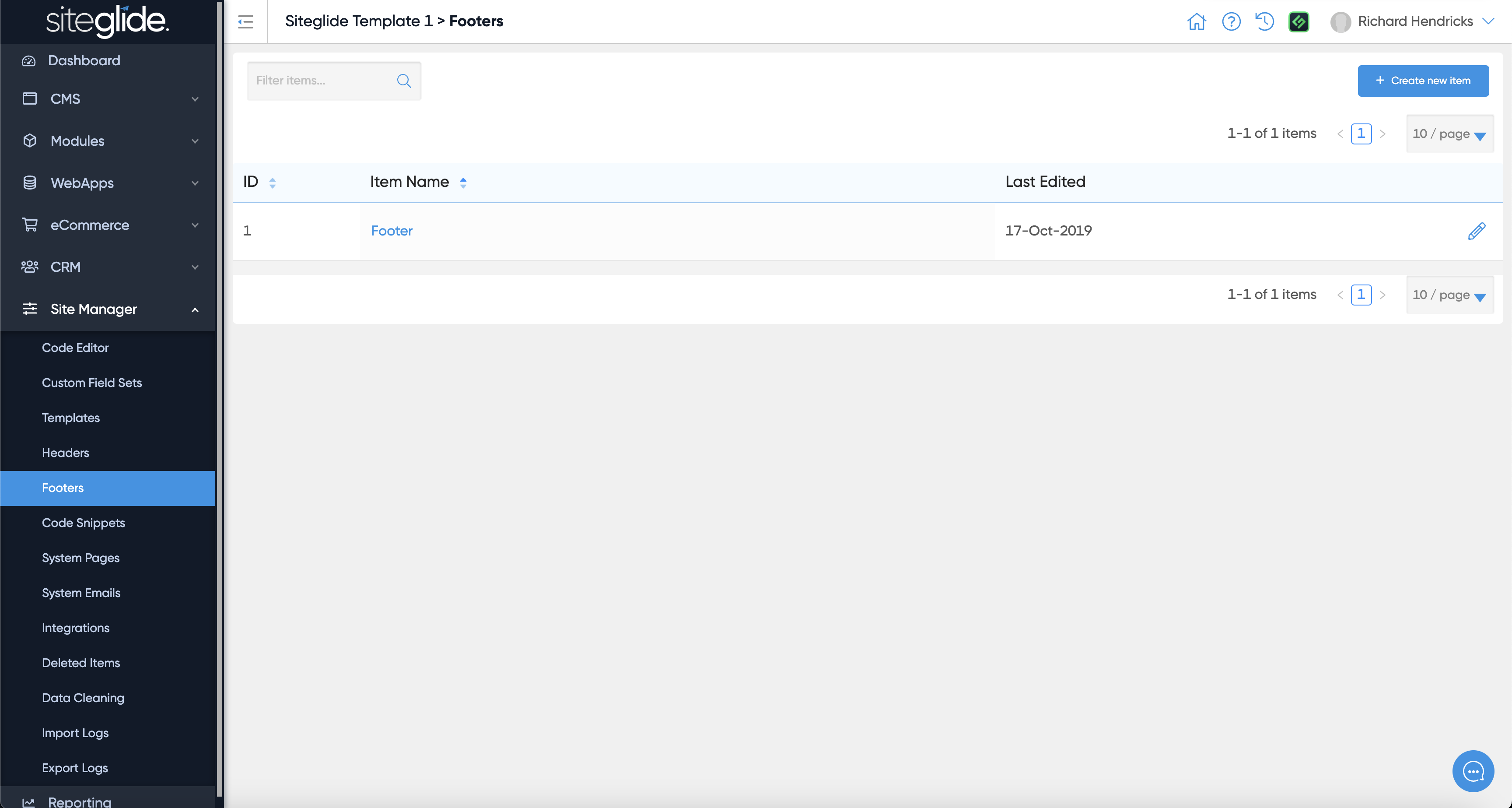
It can be managed in Admin or via CLI:

<figure><img src="https://584571746-files.gitbook.io/~/files/v0/b/gitbook-x-prod.appspot.com/o/spaces%2Ft7n2OYNNUr9PgpkBD2eX%2Fuploads%2Fgit-blob-ed99bbf3ca785b875806c4d38479b8020b431402%2FSiteglide-Site-Manager-Header-Edit.png?alt=media" alt=""><figcaption></figcaption></figure>

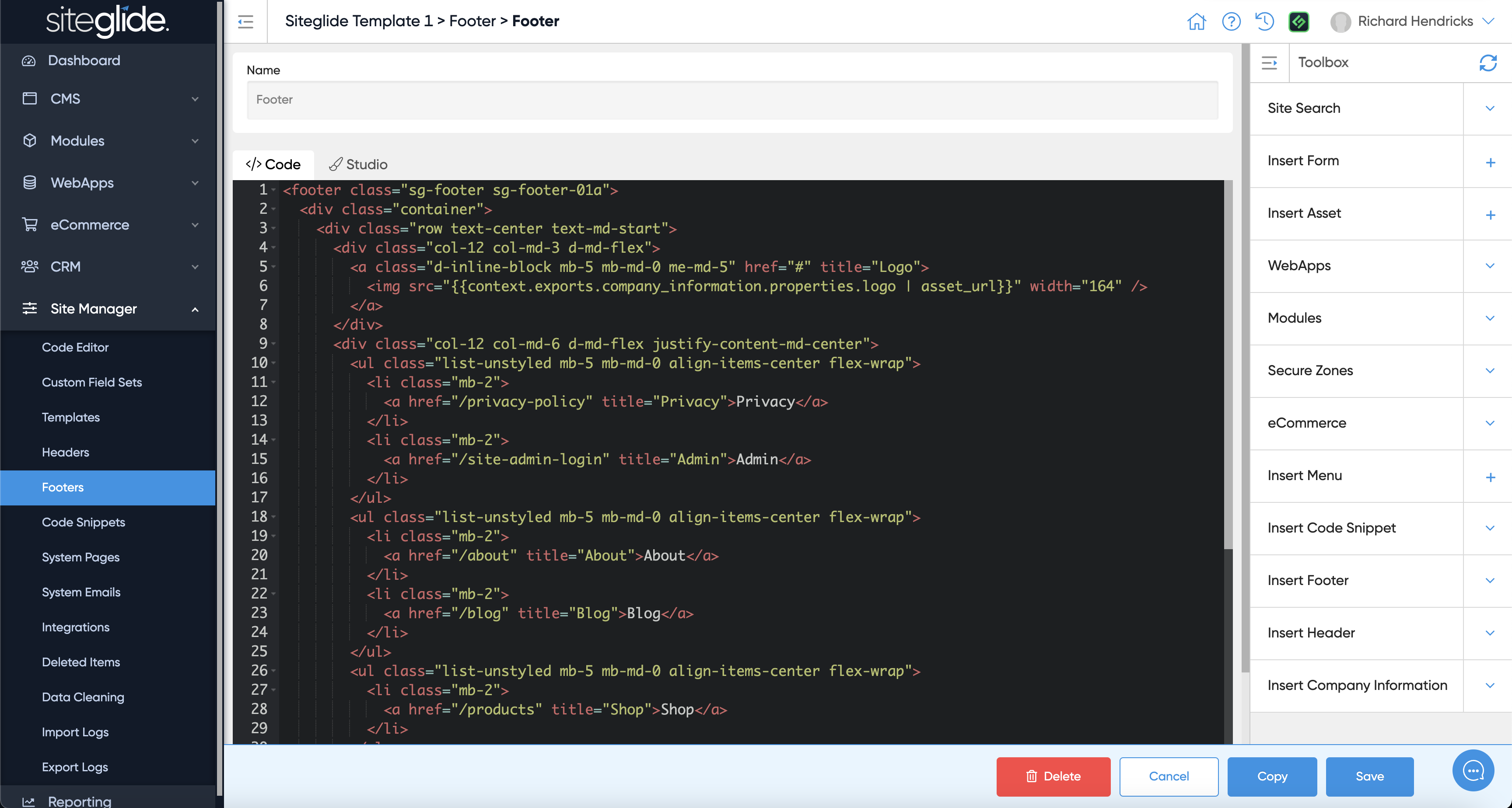
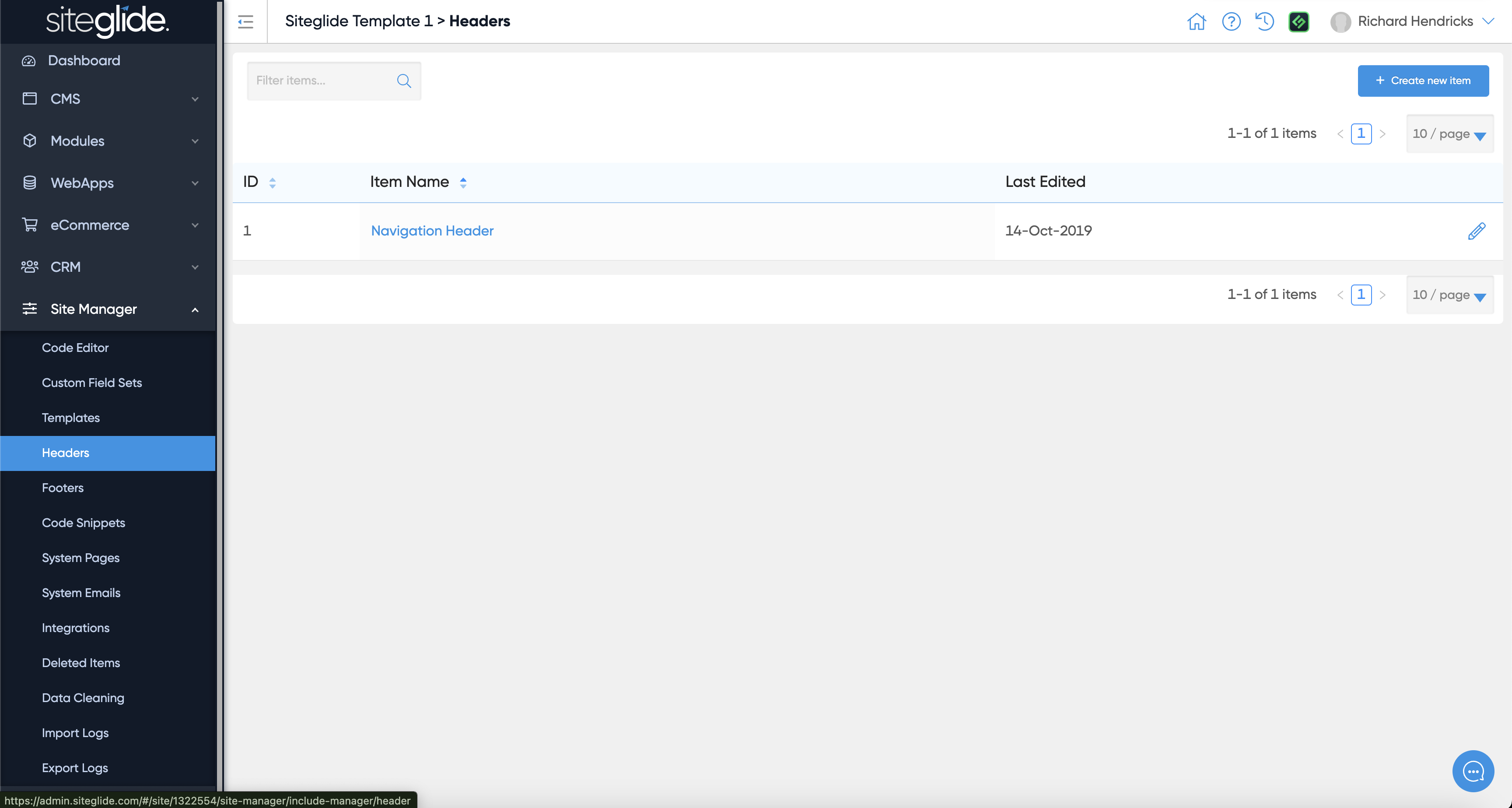
Footers work in exactly the same way, it's just separated for ease of finding them and adding them to Templates.

<figure><img src="https://584571746-files.gitbook.io/~/files/v0/b/gitbook-x-prod.appspot.com/o/spaces%2Ft7n2OYNNUr9PgpkBD2eX%2Fuploads%2Fgit-blob-7dfb5affe2fdc924a58f2ff481bdc2d0b2f41290%2FSiteglide-Site-Manager-Footers.png?alt=media" alt=""><figcaption></figcaption></figure>

You would likely insert a Menu from Toolbox but we'd recommend most changes are done via CLI:
<figure><img src="https://584571746-files.gitbook.io/~/files/v0/b/gitbook-x-prod.appspot.com/o/spaces%2Ft7n2OYNNUr9PgpkBD2eX%2Fuploads%2Fgit-blob-68ba879399a1c2a1cc63e82da0e473e69d0d138e%2FSiteglide-Site-Manager-Footer-Edit.png?alt=media" alt=""><figcaption></figcaption></figure>