> For the complete documentation index, see [llms.txt](https://documentation.siteglide.com/llms.txt). Markdown versions of documentation pages are available by appending `.md` to page URLs; this page is available as [Markdown](https://documentation.siteglide.com/modules/core-modules/testimonials/quickstart-testimonials.md).
# Quickstart: Testimonials
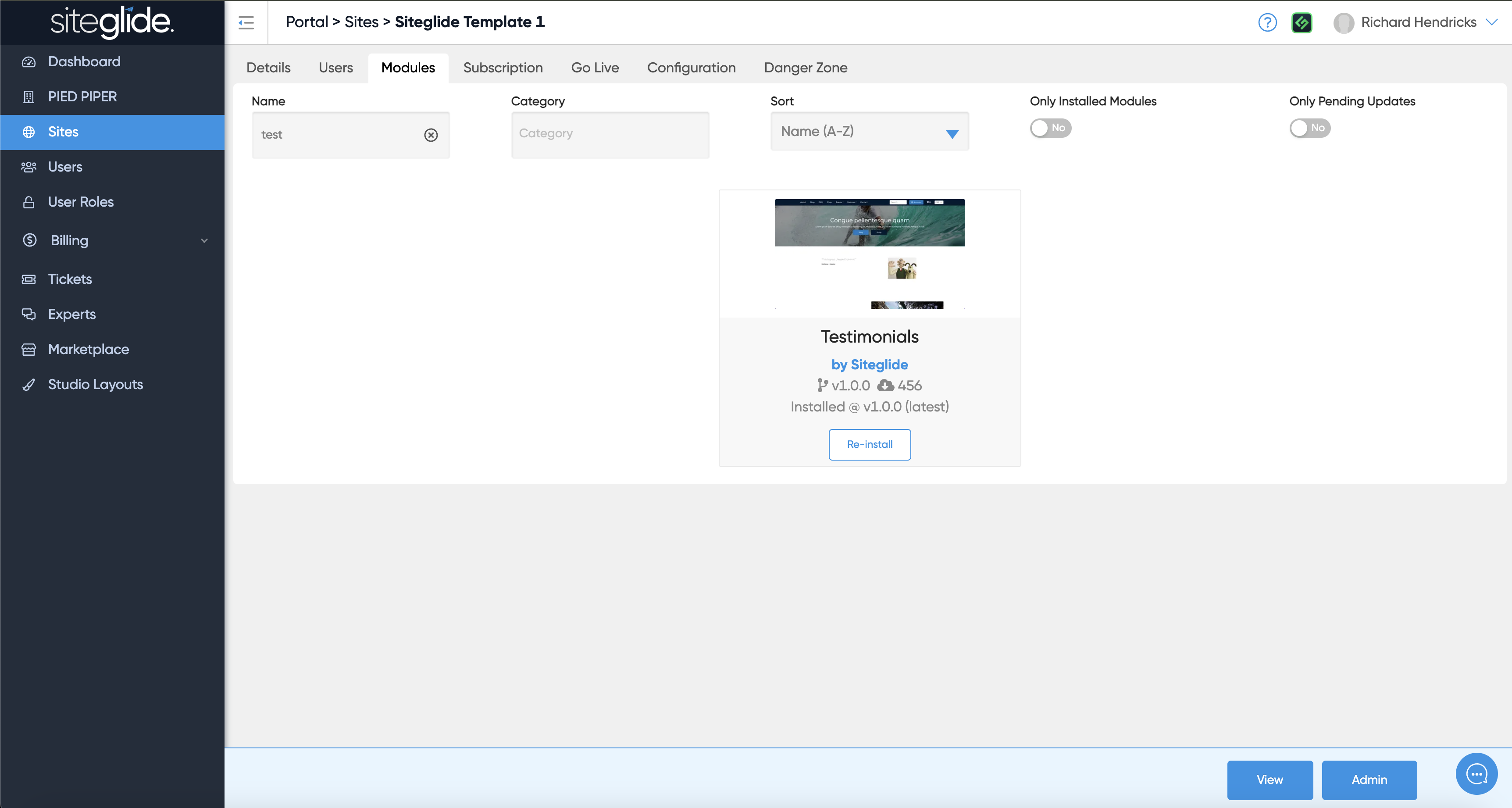
## Step 1: Install the Testimonials Module
Install from the Modules tab on the Site you're working on from Portal:
For more information on how to install and manage modules:
{% content-ref url="/pages/hhLQjvLlesakg6P9wEue" %}
[Install & Manage Modules](https://documentation.siteglide.com/portal/sites/install-and-manage-modules.md)
{% endcontent-ref %}
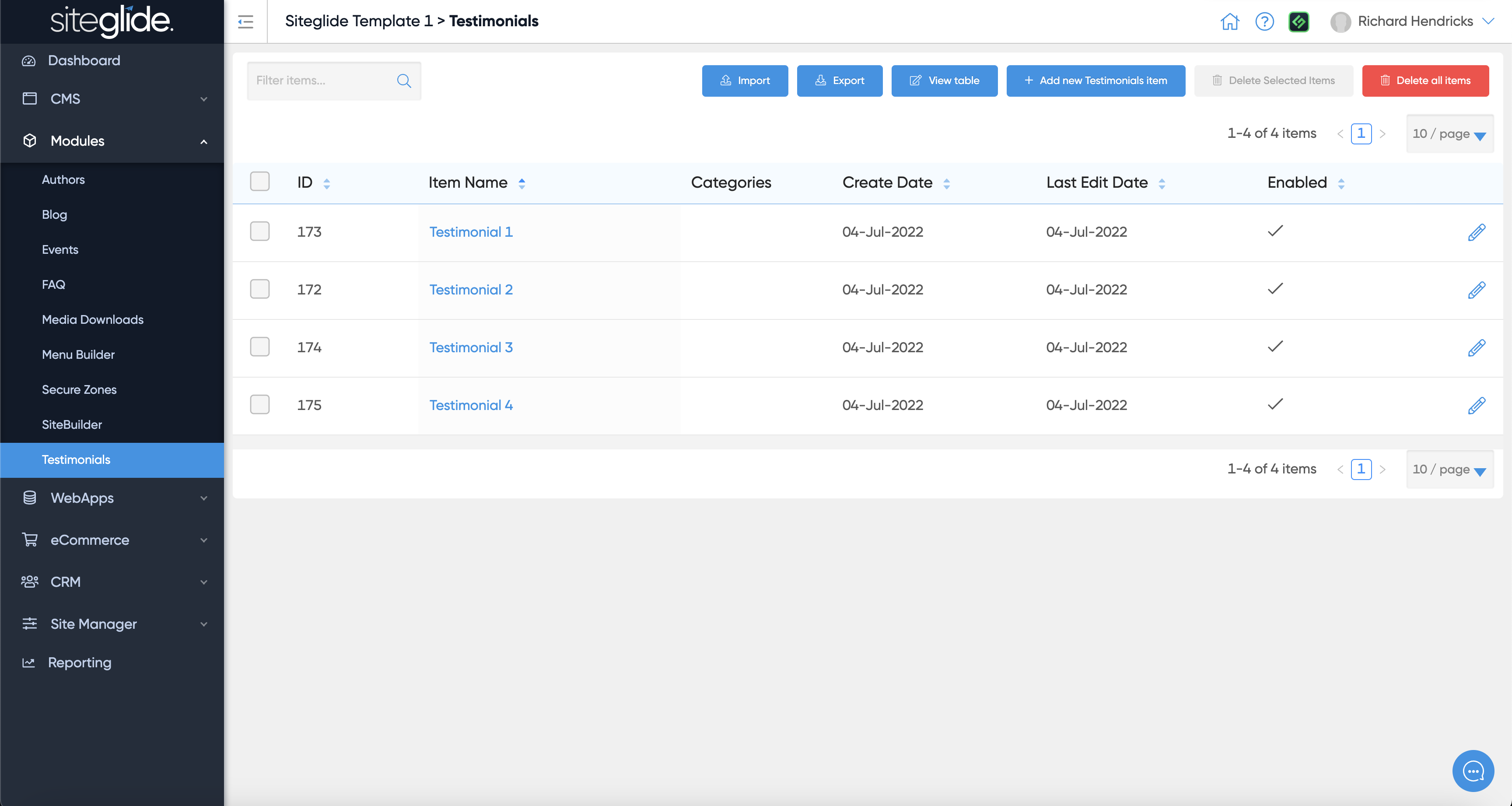
## Step 2: Create Testimonial Items or Edit Existing
Create or manage existing items:
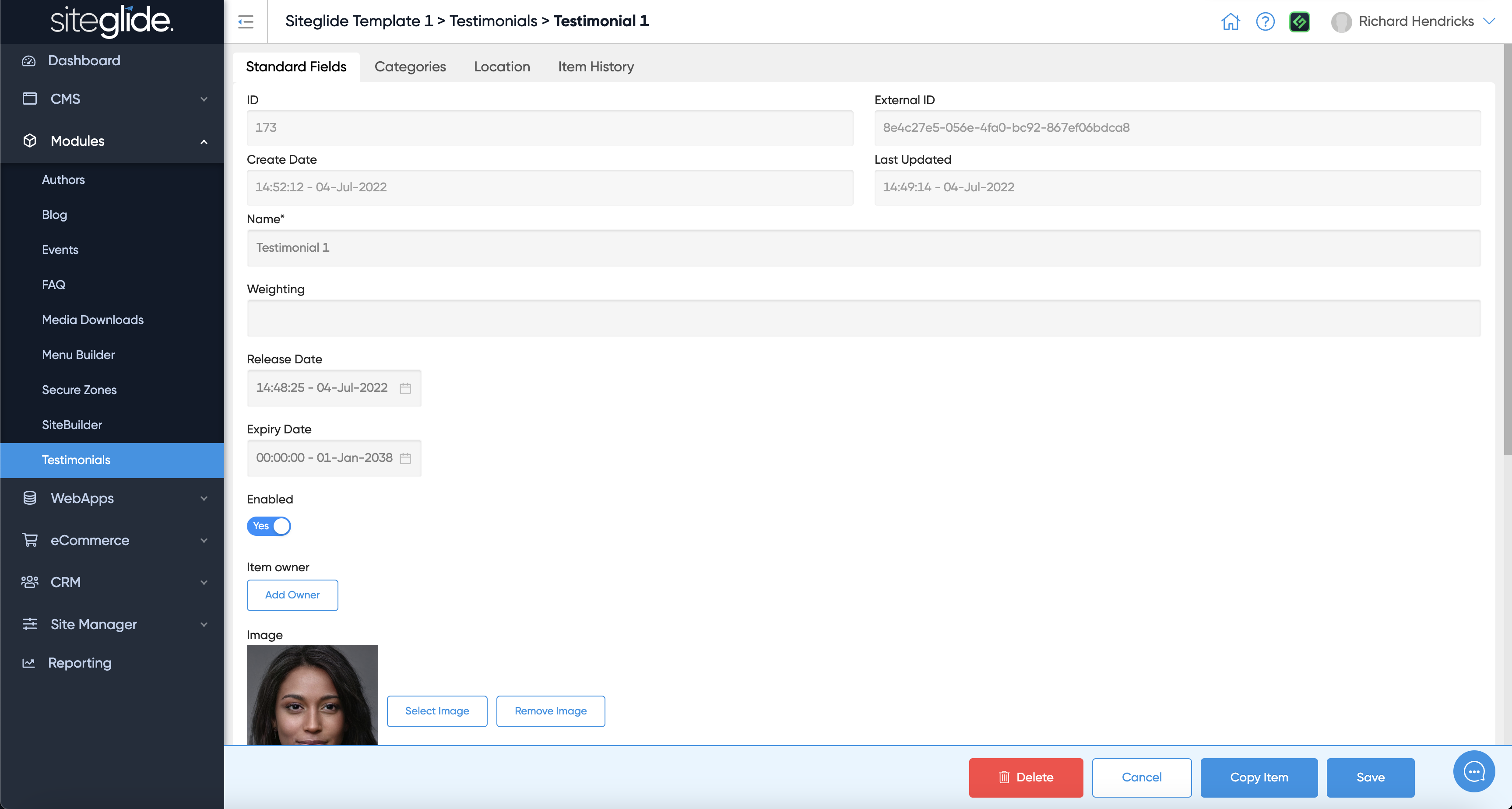
Give it a name and fill in any other fields:
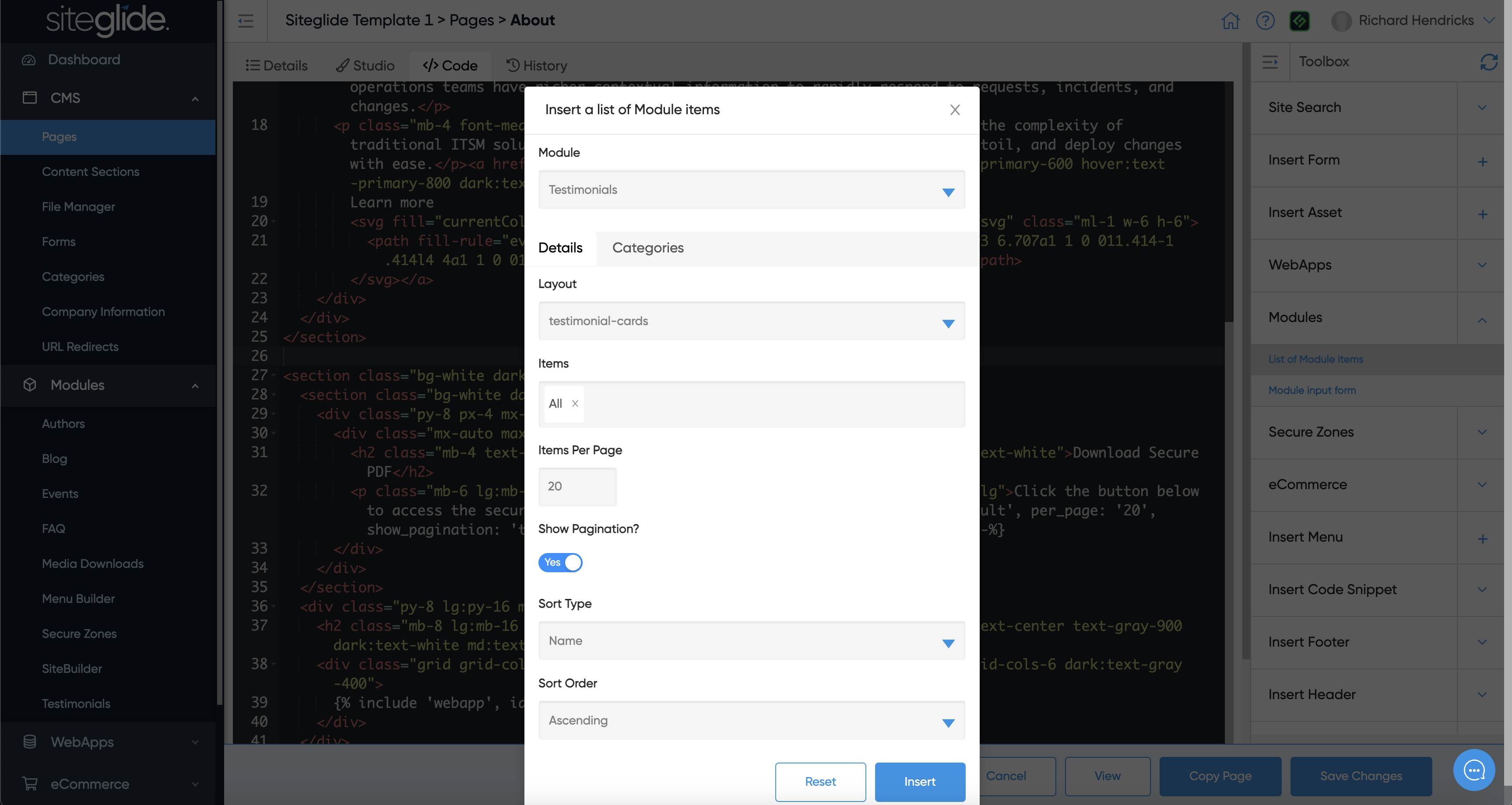
## Step 3: Setup the Pages/Layouts
You then need to output the Testimonials on the site. You'll likely want to create a Page called Testimonials or maybe insert it as a Section/Block on another page:
## Step 4: Customising the Layouts or Functionality:
Your Testimonials will work out of the box but Siteglide is all about flexibility and recognising each project is different. You have total control to customise the Layouts and how the Testimonials Module works. We recommend looking at the SiteBuilder Testimonials Layouts as a starting point as there might be existing Layouts that can save you a lot of time.
{% content-ref url="/pages/cGDgjnUP1RWdMOn7Sdzx" %}
[Dynamic Layouts](https://documentation.siteglide.com/studio-and-sitebuilder/setup-sitebuilder/layouts/about-layouts/dynamic-layouts-in-sitebuilder.md)
{% endcontent-ref %}
{% content-ref url="/pages/59XL5oSH9AzqFGdlHdjB" %}
[Reference](https://documentation.siteglide.com/modules/core-modules/testimonials/testimonials-reference.md)
{% endcontent-ref %}