> For the complete documentation index, see [llms.txt](https://documentation.siteglide.com/llms.txt). Markdown versions of documentation pages are available by appending `.md` to page URLs; this page is available as [Markdown](https://documentation.siteglide.com/modules/core-modules/faq/quickstart-faqs.md). Agents can also search and read this documentation through its [MCP server](https://documentation.siteglide.com/~gitbook/mcp).
# Quickstart: FAQ
## Step 1: Install the FAQ Module
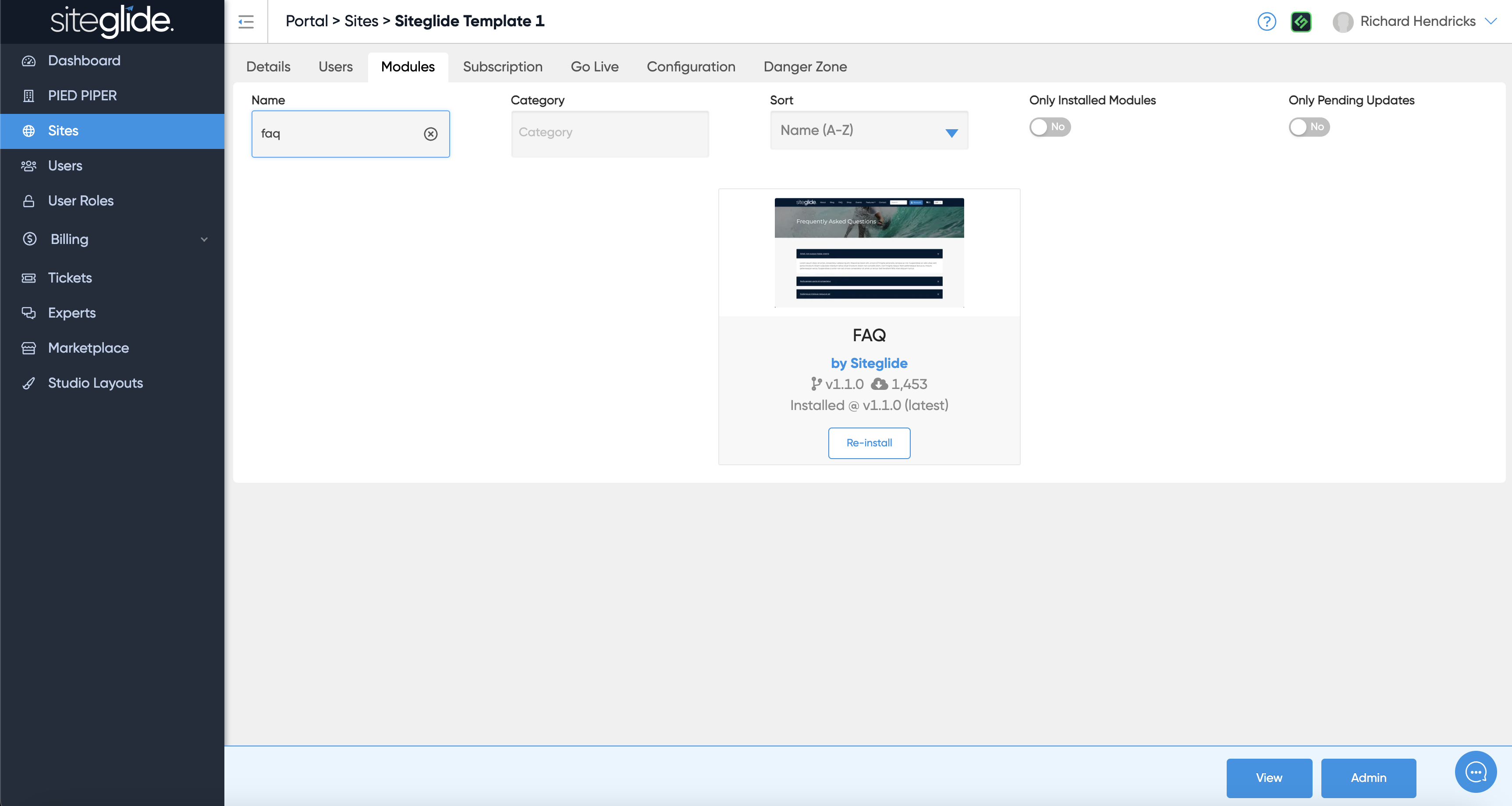
Install from the Modules tab on the Site you're working on from Portal:
For more information on how to install and manage modules:
{% content-ref url="/pages/hhLQjvLlesakg6P9wEue" %}
[Install & Manage Modules](https://documentation.siteglide.com/portal/sites/install-and-manage-modules.md)
{% endcontent-ref %}
## Step 2: Create FAQ Items or Edit Existing
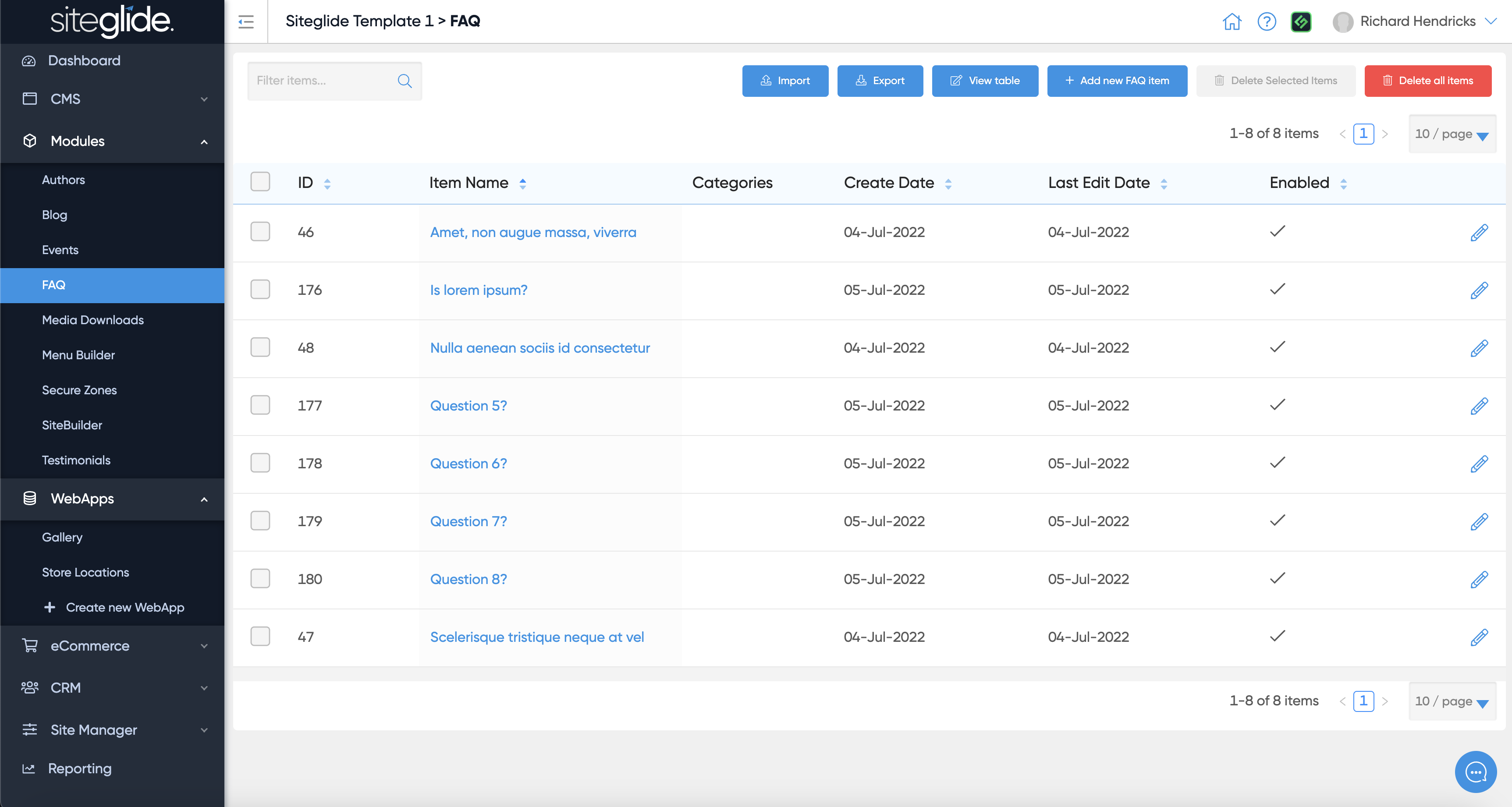
Create or manage existing items:
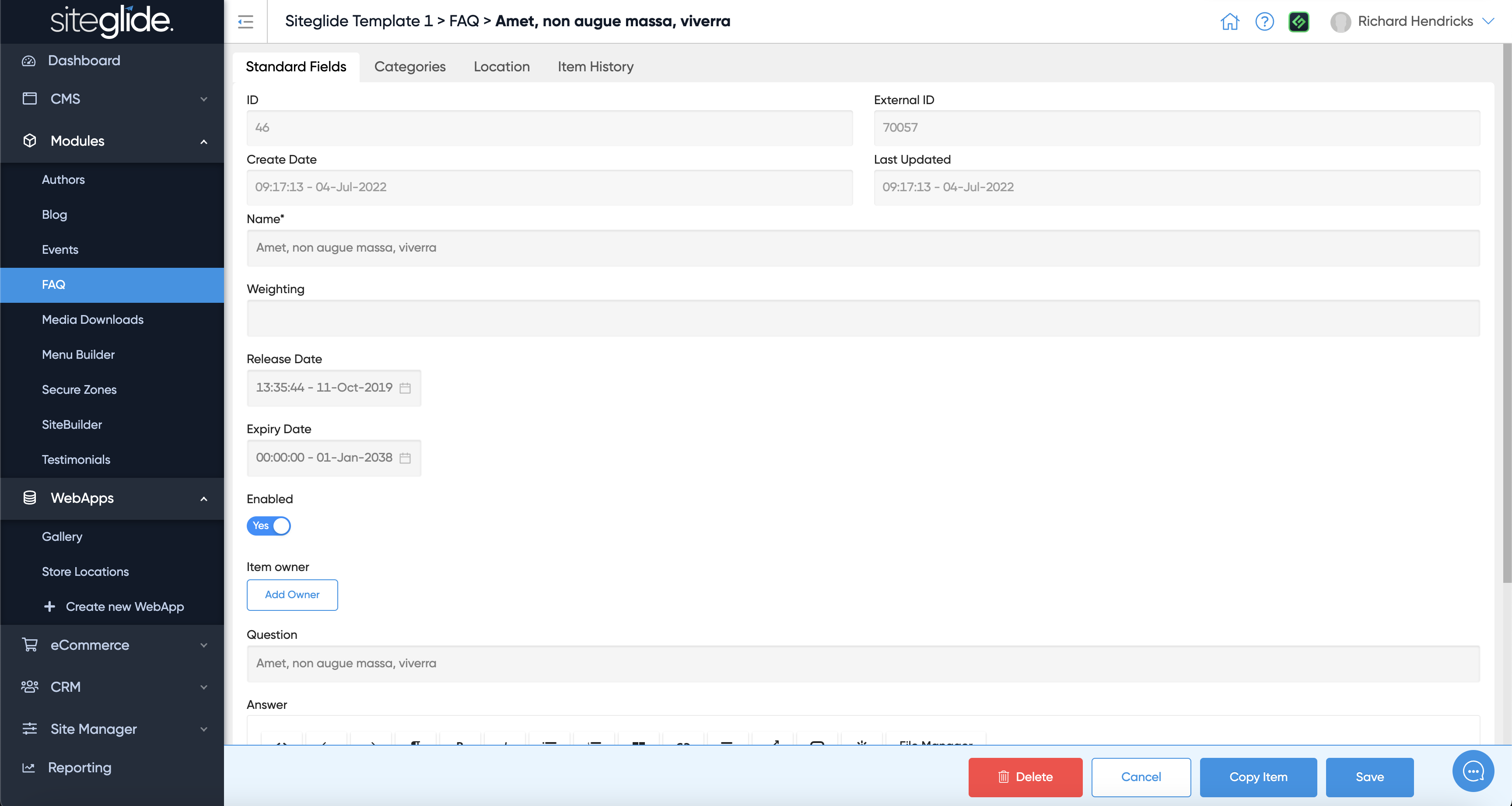
Give it a name and fill in any other fields:
## Step 3: Setup the Pages/Layouts
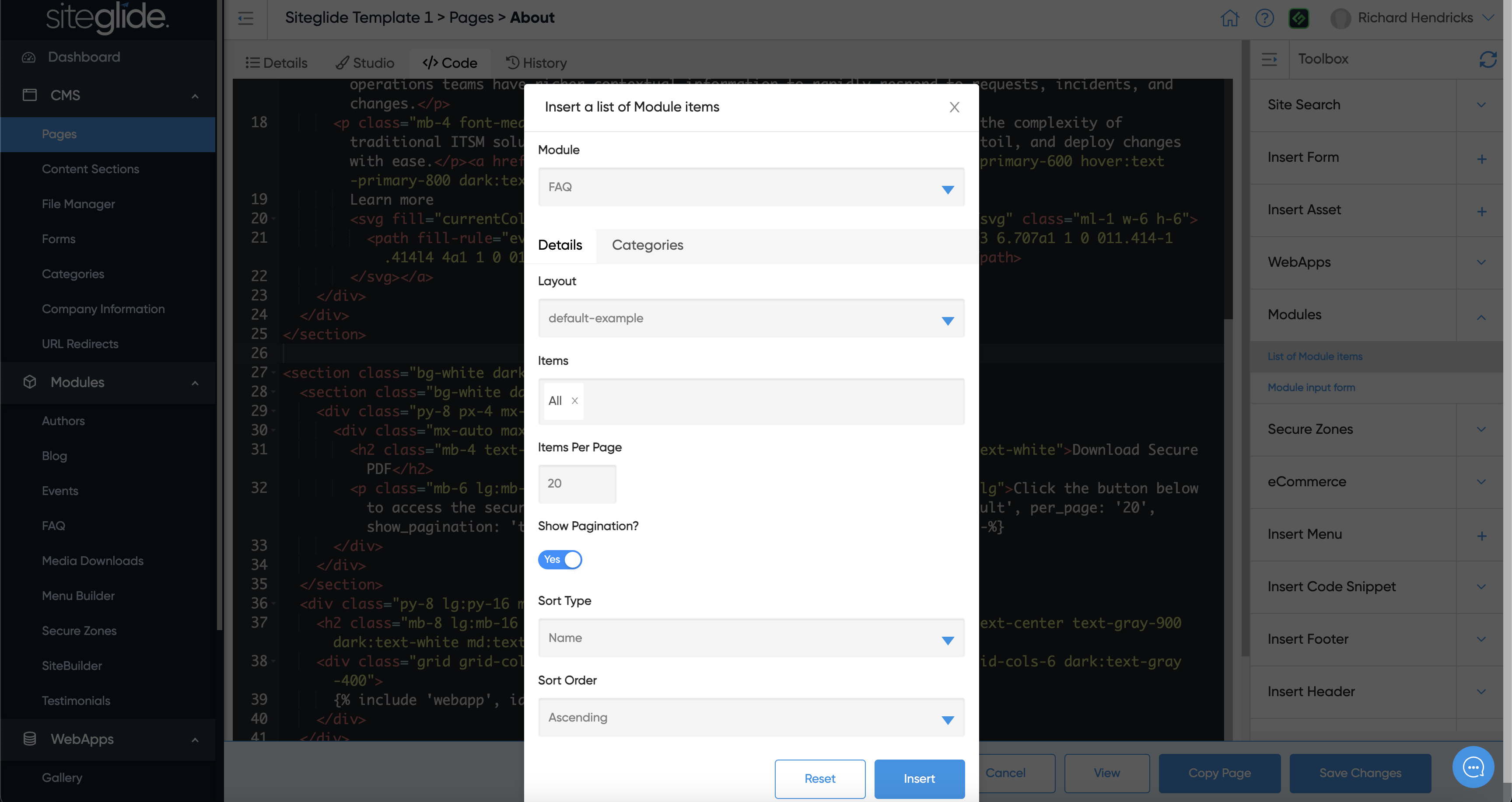
You then need to output the FAQs on the site. You'll likely want to create a Page called FAQs or maybe insert it as a Section/Block on another page:
## Step 4: Customising the Layouts or Functionality:
Your FAQ Module will work out of the box but Siteglide is all about flexibility and recognising each project is different. You have total control to customise the Layouts and how the FAQ Module works. We recommend looking at the SiteBuilder FAQ Layouts as a starting point as there might be existing Layouts that can save you a lot of time.
{% content-ref url="/pages/cGDgjnUP1RWdMOn7Sdzx" %}
[Dynamic Layouts](https://documentation.siteglide.com/studio-and-sitebuilder/setup-sitebuilder/layouts/about-layouts/dynamic-layouts-in-sitebuilder.md)
{% endcontent-ref %}
{% content-ref url="/pages/Ah0Egv86jXy9DGyC01dU" %}
[Reference](https://documentation.siteglide.com/modules/core-modules/faq/faqs-reference.md)
{% endcontent-ref %}