> For the complete documentation index, see [llms.txt](https://documentation.siteglide.com/llms.txt). Markdown versions of documentation pages are available by appending `.md` to page URLs; this page is available as [Markdown](https://documentation.siteglide.com/cms/forms/quickstart-forms.md).

# Quickstart: Forms

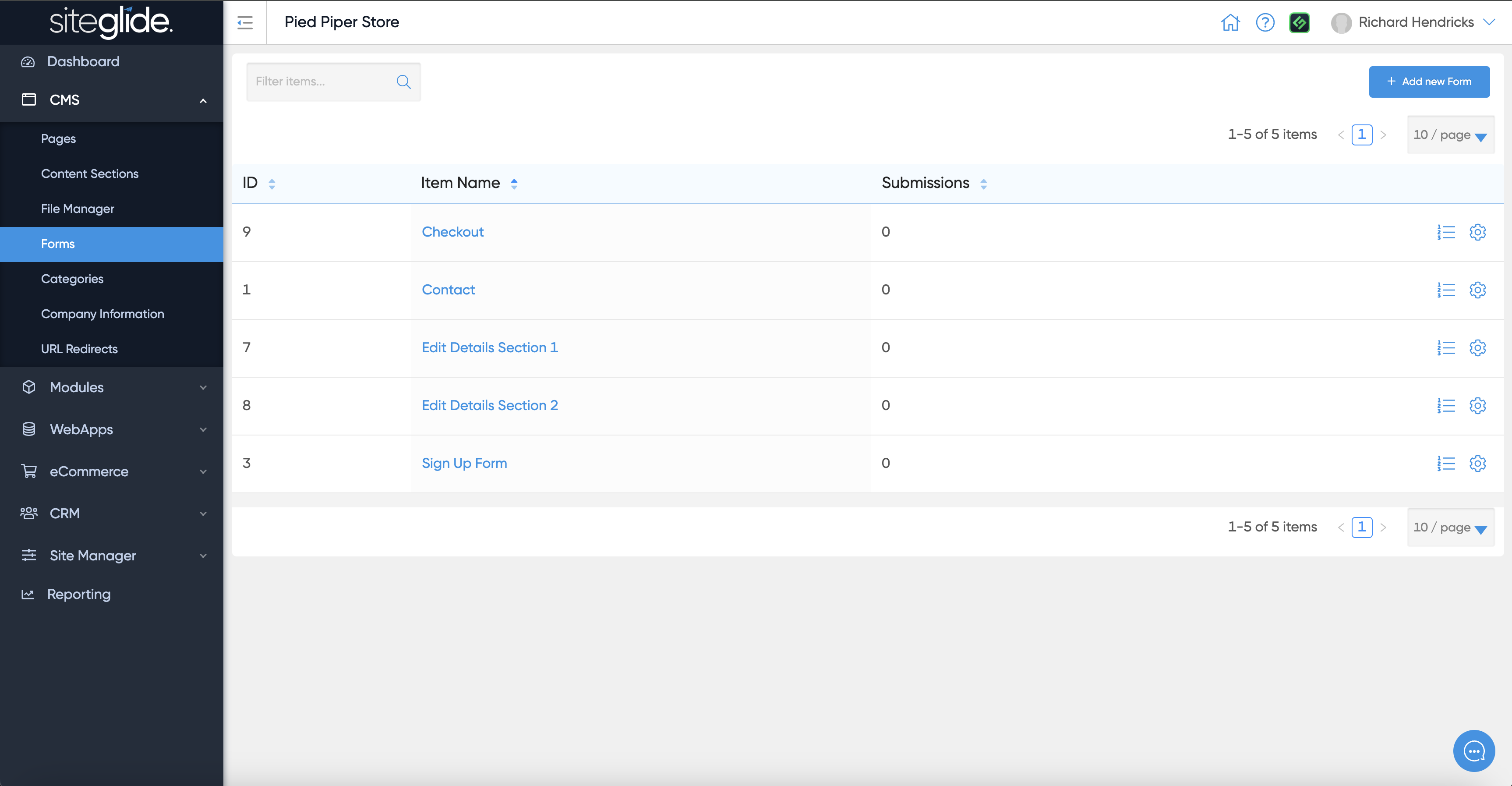
You can find forms under CMS in the main menu. You can edit an existing form or create a new one:

<figure><img src="https://584571746-files.gitbook.io/~/files/v0/b/gitbook-x-prod.appspot.com/o/spaces%2Ft7n2OYNNUr9PgpkBD2eX%2Fuploads%2Fgit-blob-1a688a092682ea47114345f4845798e7653a1a5c%2FSiteglide-Forms-List.png?alt=media" alt=""><figcaption></figcaption></figure>

## Step 1: Create a Form

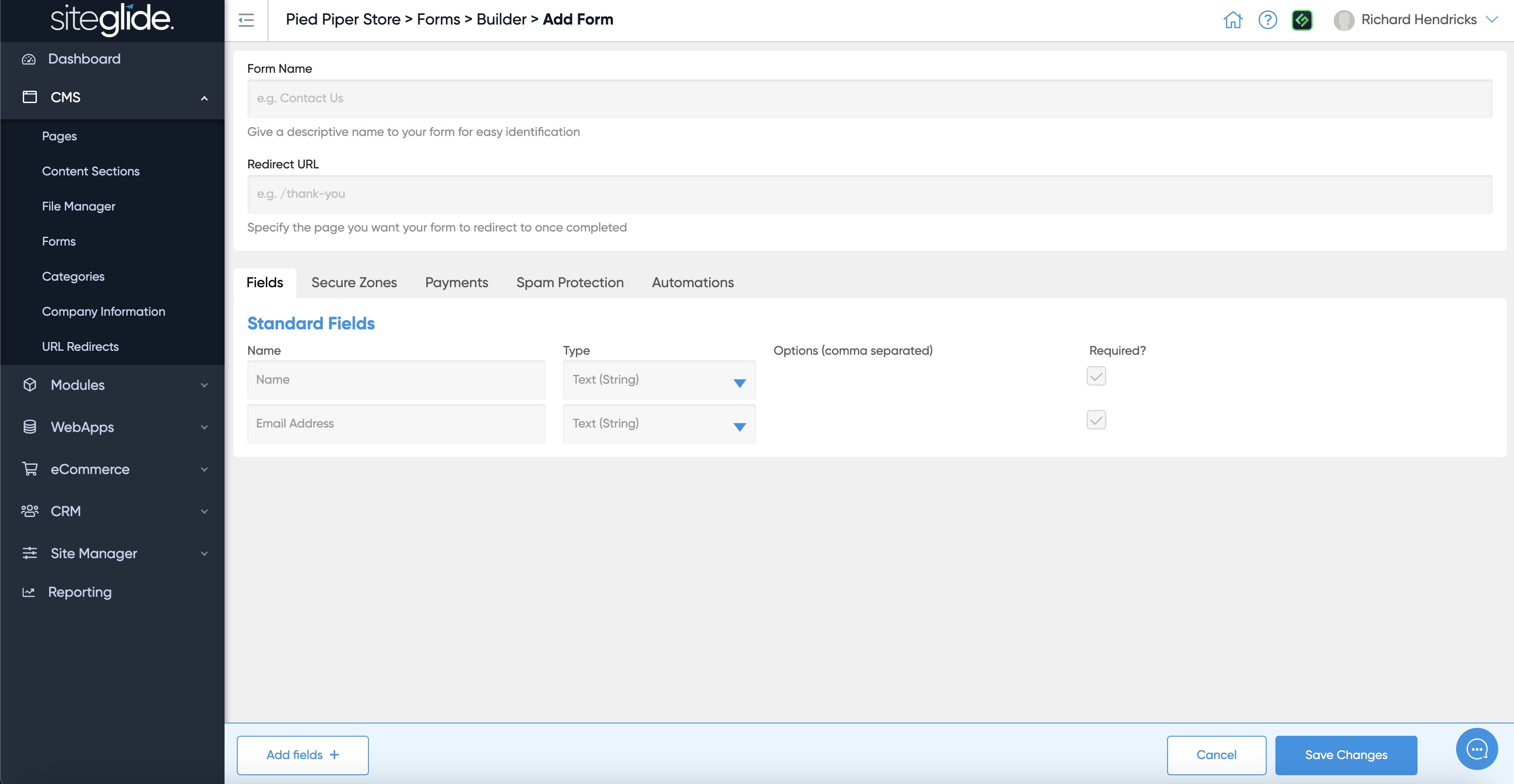
Give the form a Name and choose what page you want visitors to be sent to once they submit. There are also tabs to control the other form features and settings:

<figure><img src="https://584571746-files.gitbook.io/~/files/v0/b/gitbook-x-prod.appspot.com/o/spaces%2Ft7n2OYNNUr9PgpkBD2eX%2Fuploads%2Fgit-blob-393ed0a1a9b3bca80a921932c9d7020c2a2bfe26%2FSiteglide-Forms-Create.png?alt=media" alt=""><figcaption></figcaption></figure>

## Step 2: Edit the Fields

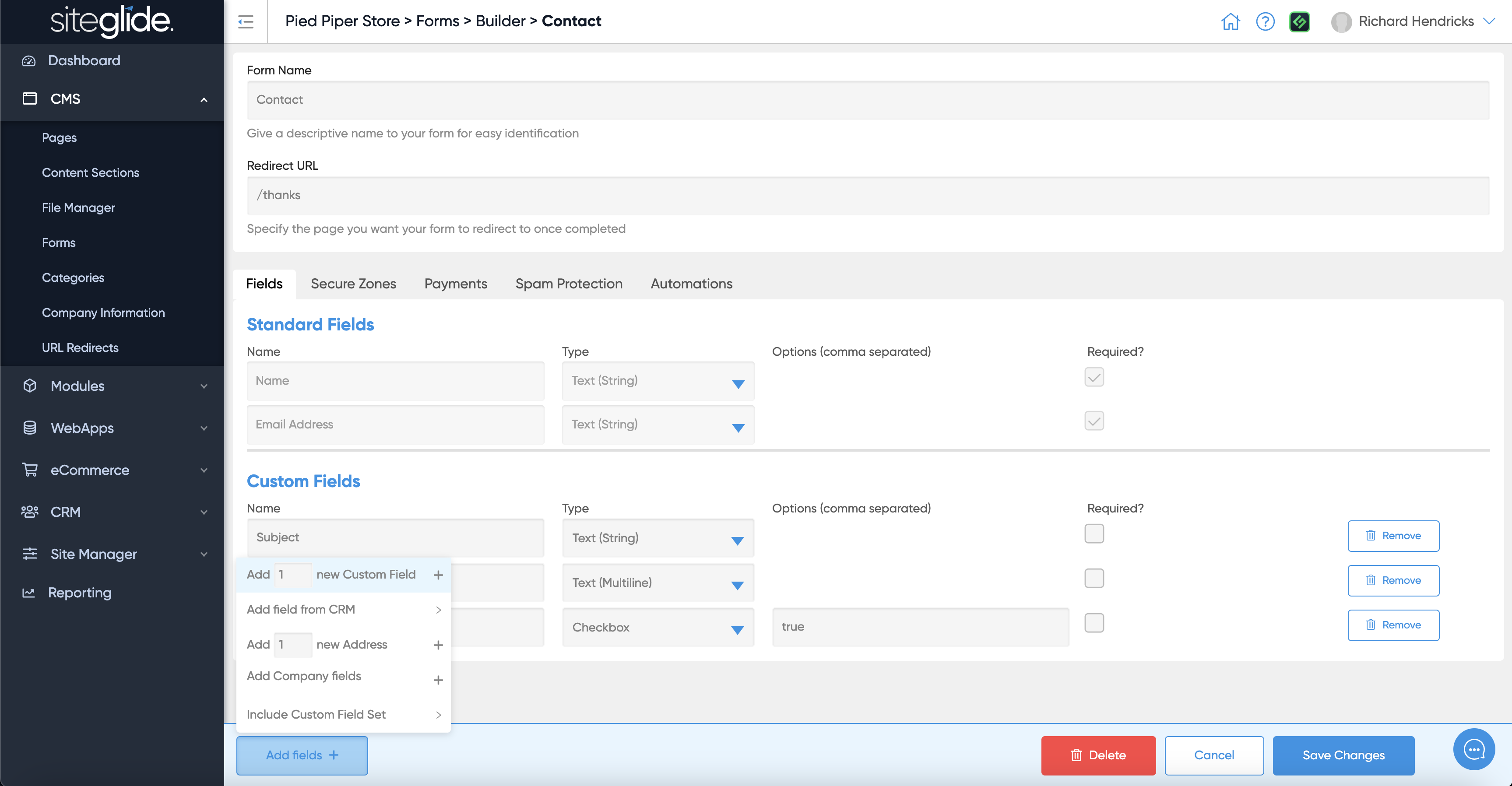
You will also see the standard fields included and and add fields button in the bottom left:

<figure><img src="https://584571746-files.gitbook.io/~/files/v0/b/gitbook-x-prod.appspot.com/o/spaces%2Ft7n2OYNNUr9PgpkBD2eX%2Fuploads%2Fgit-blob-0c1a4a546e0160fbfdec94a4d996d512d34b2c1e%2FSiteglide-Forms-Edit-Fields-Add.png?alt=media" alt=""><figcaption></figcaption></figure>

You can choose and edit the field type from the dropdown:

<figure><img src="https://584571746-files.gitbook.io/~/files/v0/b/gitbook-x-prod.appspot.com/o/spaces%2Ft7n2OYNNUr9PgpkBD2eX%2Fuploads%2Fgit-blob-7c58cd66db46a6534eb4e092e4bc08b450613c0d%2FSiteglide-Forms-Edit-Fields-Add-Type.png?alt=media" alt=""><figcaption></figcaption></figure>

## Step 3: Add features (optional)

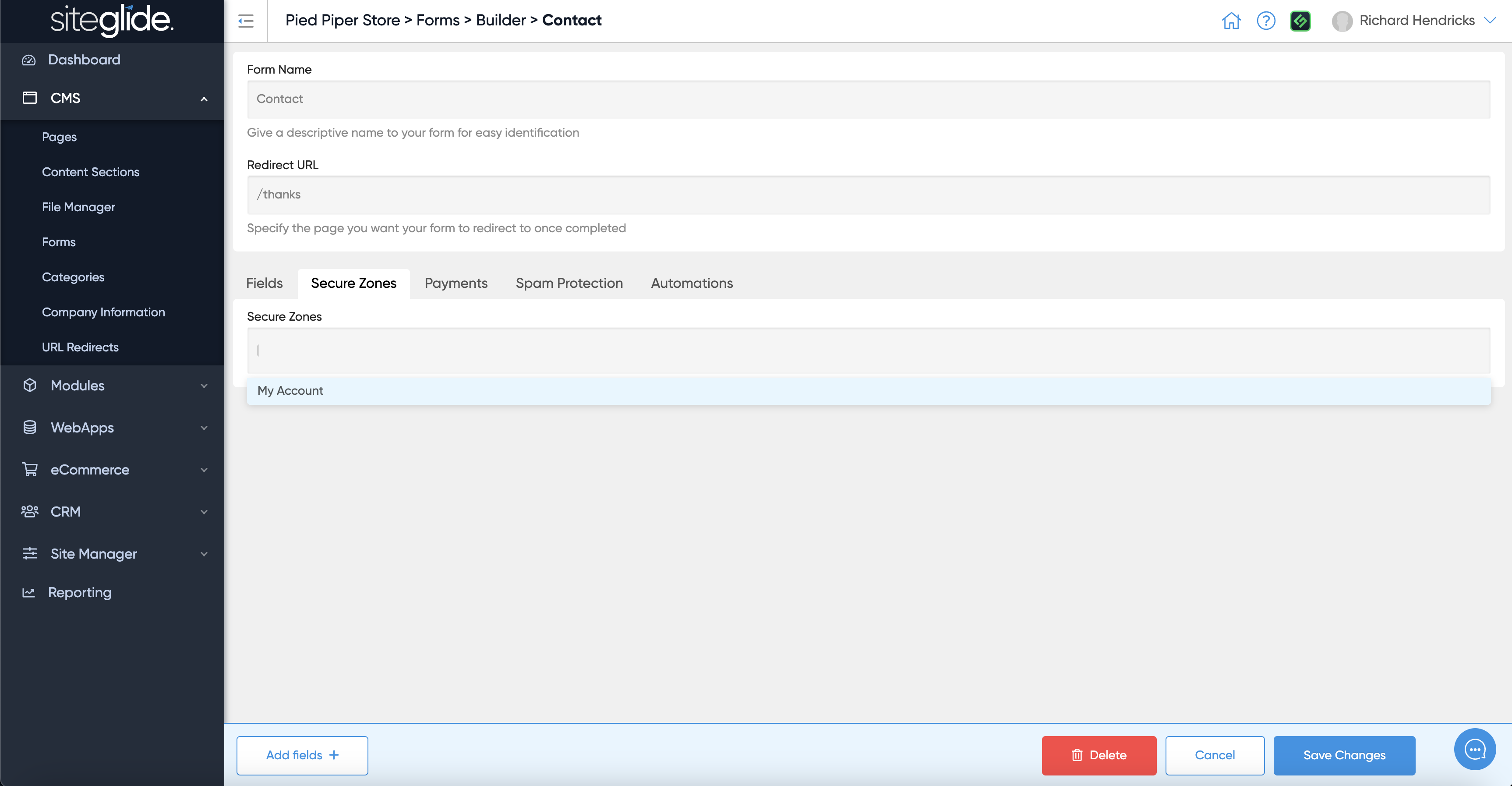
You can control whether the form adds the person who submits the form to a Secure Zone:

<figure><img src="https://584571746-files.gitbook.io/~/files/v0/b/gitbook-x-prod.appspot.com/o/spaces%2Ft7n2OYNNUr9PgpkBD2eX%2Fuploads%2Fgit-blob-82319ad3b4252011900f622d134969f7ddfcd26b%2FSiteglide-Forms-Edit-Fields-Secure-Zones.png?alt=media" alt=""><figcaption></figcaption></figure>

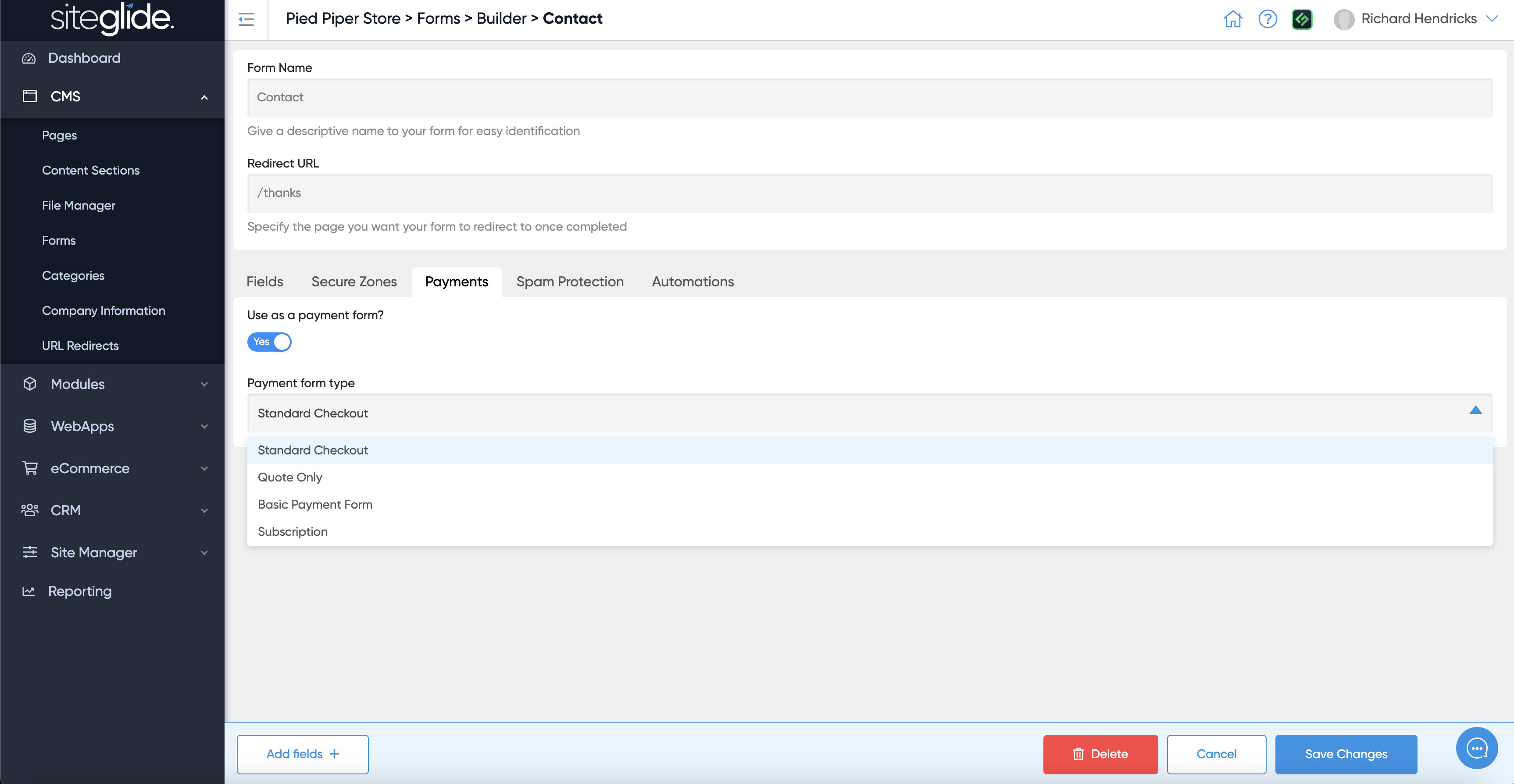
You can also take payments via a Form:

<figure><img src="https://584571746-files.gitbook.io/~/files/v0/b/gitbook-x-prod.appspot.com/o/spaces%2Ft7n2OYNNUr9PgpkBD2eX%2Fuploads%2Fgit-blob-7eda1723c3401afef60c1f604dfefdc2faab2d2f%2FSiteglide-Forms-Edit-Fields-Payments.png?alt=media" alt=""><figcaption></figcaption></figure>

## Step 4: Spam Protection

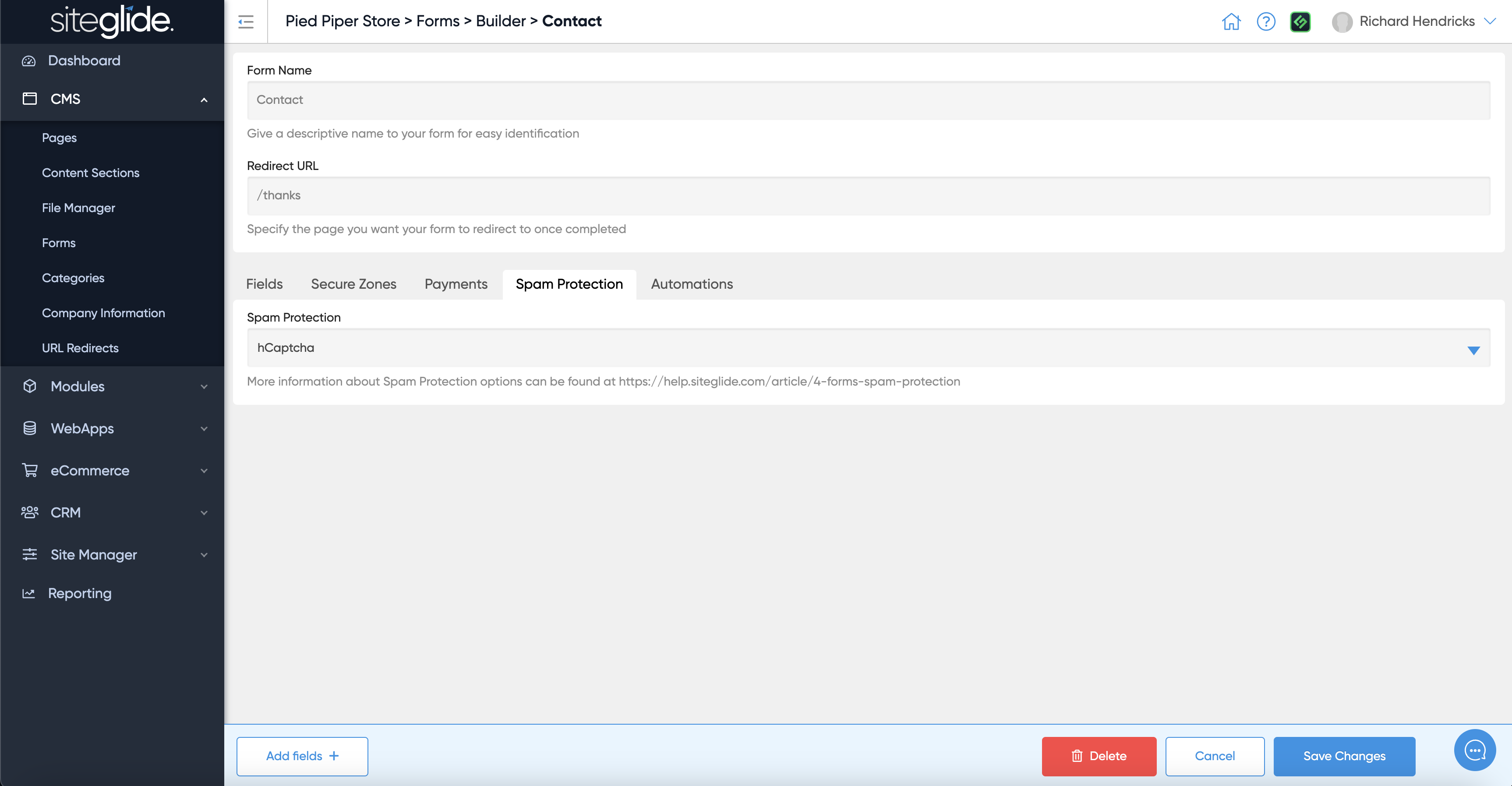
We strongly recommend using hCaptcha to protect you forms from spam as this runs server-side but you can also use reCaptcha if needed:

<figure><img src="https://584571746-files.gitbook.io/~/files/v0/b/gitbook-x-prod.appspot.com/o/spaces%2Ft7n2OYNNUr9PgpkBD2eX%2Fuploads%2Fgit-blob-c2a1545860ef79a06848a443c3380593d1671b3c%2FSiteglide-Forms-Edit-Fields-Spam-Protection.png?alt=media" alt=""><figcaption></figcaption></figure>

## Step 5: Automations

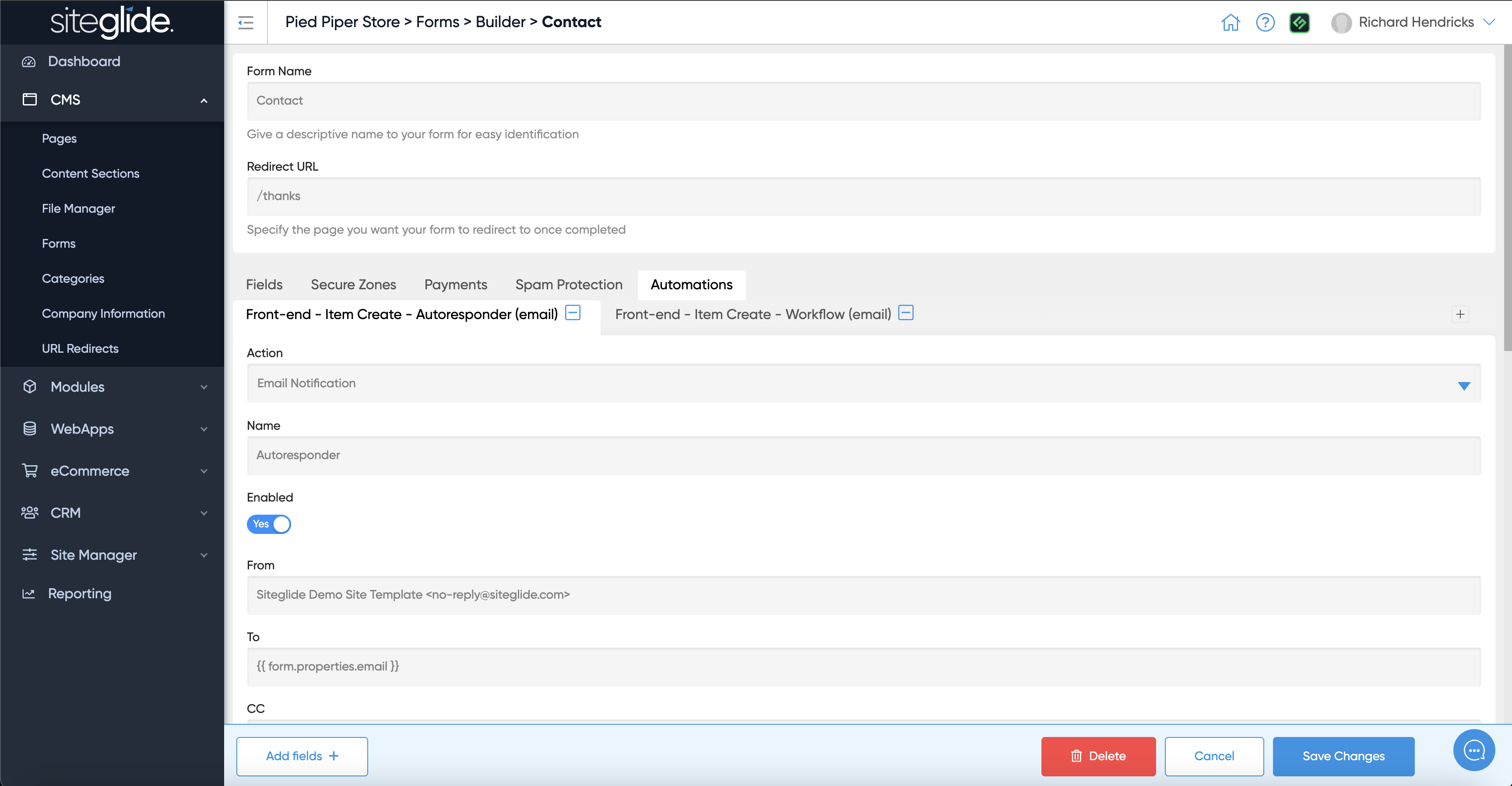
Automations are a very powerful feature that allow you to send emails such as Workflows and Autoresponders, run logic and other functions including API calls to external services:

<figure><img src="https://584571746-files.gitbook.io/~/files/v0/b/gitbook-x-prod.appspot.com/o/spaces%2Ft7n2OYNNUr9PgpkBD2eX%2Fuploads%2Fgit-blob-24a09d7d6f5c876cd36676d7db6402e2a276d503%2FSiteglide-Forms-Edit-Fields-Automations.png?alt=media" alt=""><figcaption></figcaption></figure>

More information on Automations:

{% content-ref url="/pages/D7kfI2m8HDRILXuXpkIW" %}
[Automations](https://documentation.siteglide.com/cms/automations.md)
{% endcontent-ref %}

## Step 6: Form Layouts

You have total control over how the form looks by editing the Layouts. If you use SiteBuilder these layouts can dynamically update when you edit the form fields:

{% content-ref url="/pages/rlgplQgWF5mJbH3f2w0k" %}
[Static and Dynamic Form Layouts](https://documentation.siteglide.com/studio-and-sitebuilder/setup-sitebuilder/layouts/about-layouts/static-and-dynamic-form-layouts.md)
{% endcontent-ref %}