> For the complete documentation index, see [llms.txt](https://documentation.siteglide.com/llms.txt). Markdown versions of documentation pages are available by appending `.md` to page URLs; this page is available as [Markdown](https://documentation.siteglide.com/cms/categories/quickstart-categories.md).

# Quickstart: Categories

## Step 1: Find the Parent Category

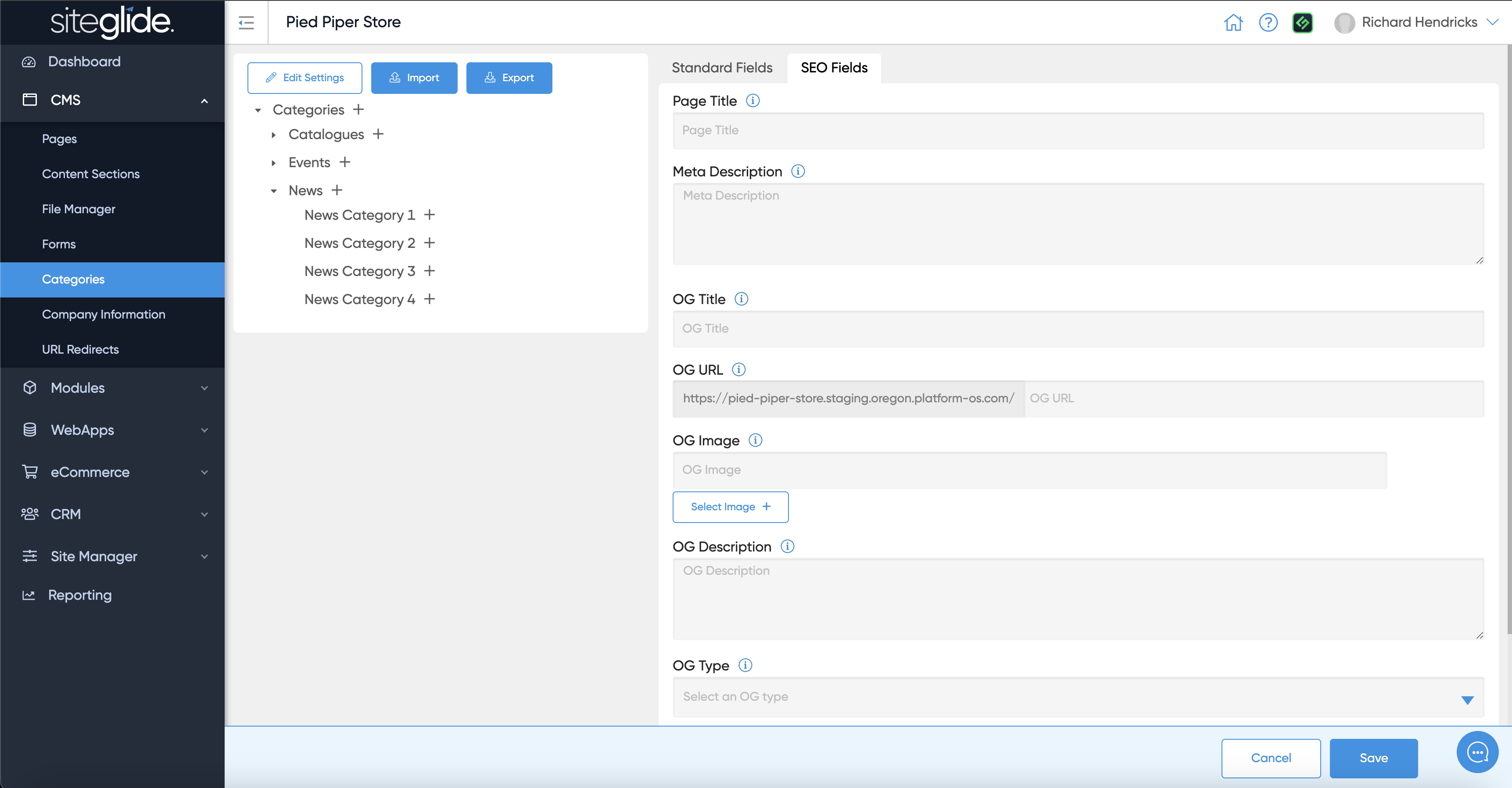
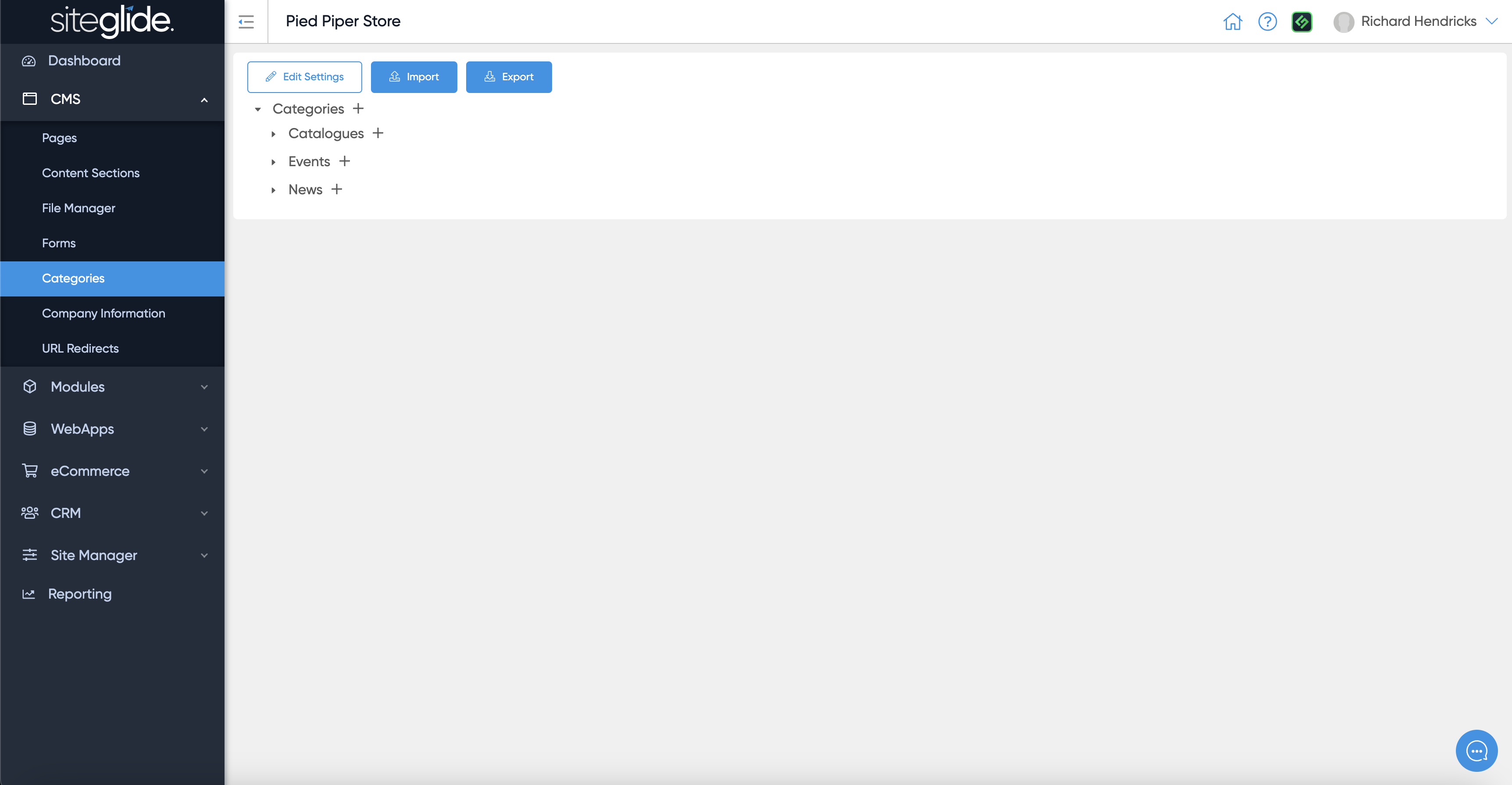
There are plus (:heavy\_plus\_sign:) icons against each parent and child category so it's important to determine where you want to add a new category and click the plus on the correct parent:

<figure><img src="https://584571746-files.gitbook.io/~/files/v0/b/gitbook-x-prod.appspot.com/o/spaces%2Ft7n2OYNNUr9PgpkBD2eX%2Fuploads%2Fgit-blob-68c4ff9d5dfa4dfe7bc798f88240ee66d7cff6c2%2FSiteglide-Categories.png?alt=media" alt=""><figcaption></figcaption></figure>

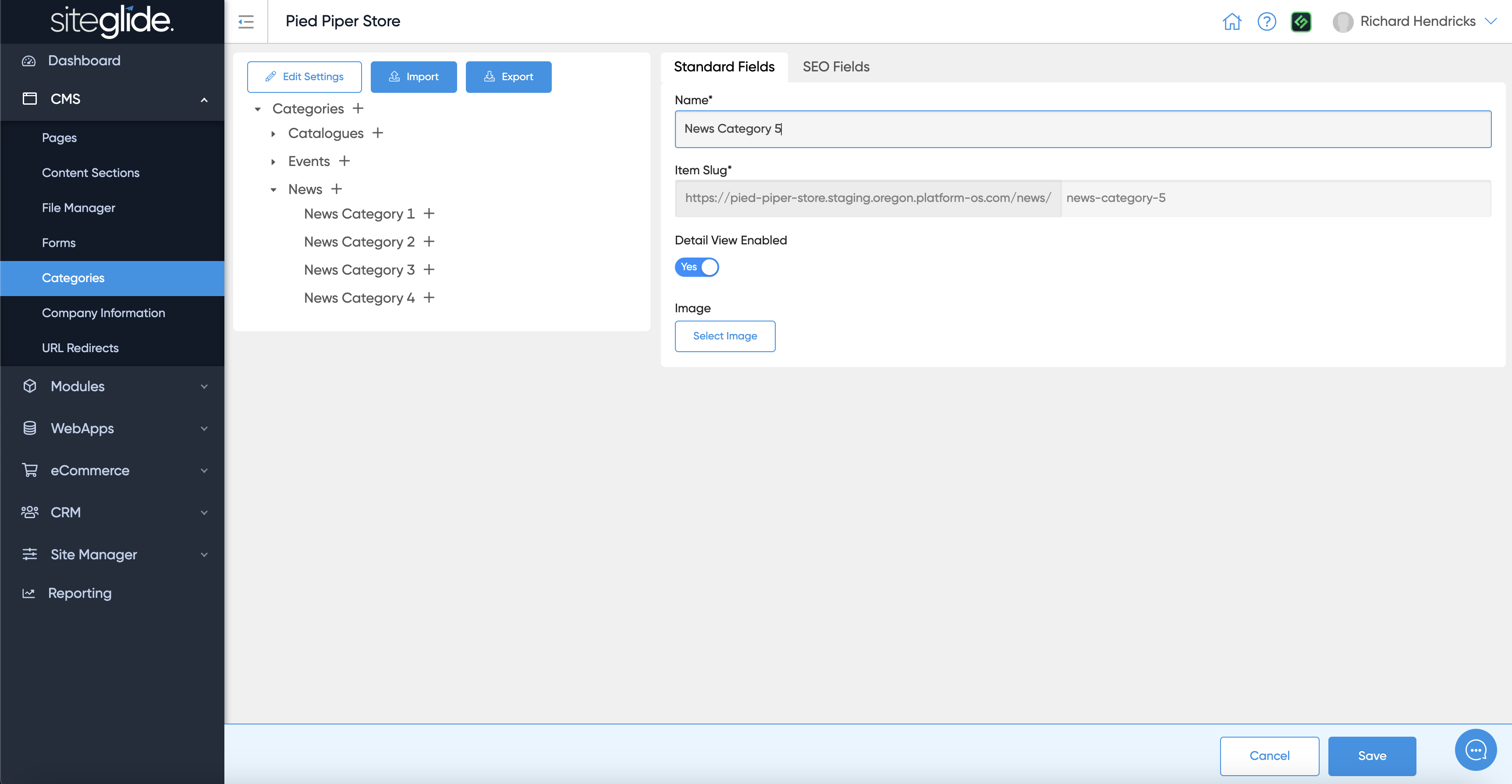
## Step 2: Create New Category

Give it a name, it will create a slug/URL and you can also add an image if required:

<figure><img src="https://584571746-files.gitbook.io/~/files/v0/b/gitbook-x-prod.appspot.com/o/spaces%2Ft7n2OYNNUr9PgpkBD2eX%2Fuploads%2Fgit-blob-669186739a8bdcedeac36093a23788a966b96317%2FSiteglide-Categories-Create-New.png?alt=media" alt=""><figcaption></figcaption></figure>

## Step 3: Add SEO data if required

The SEO Fields tab let's you add various data to help Search Engines index it correctly but also help Social Media sites display links correctly:

<figure><img src="https://584571746-files.gitbook.io/~/files/v0/b/gitbook-x-prod.appspot.com/o/spaces%2Ft7n2OYNNUr9PgpkBD2eX%2Fuploads%2Fgit-blob-dd1e7cf233c755be8124679bdcd9ef8b6a072e0f%2FSiteglide-Categories-SEO-Fields.png?alt=media" alt=""><figcaption></figcaption></figure>

## Step 4: Manage Items

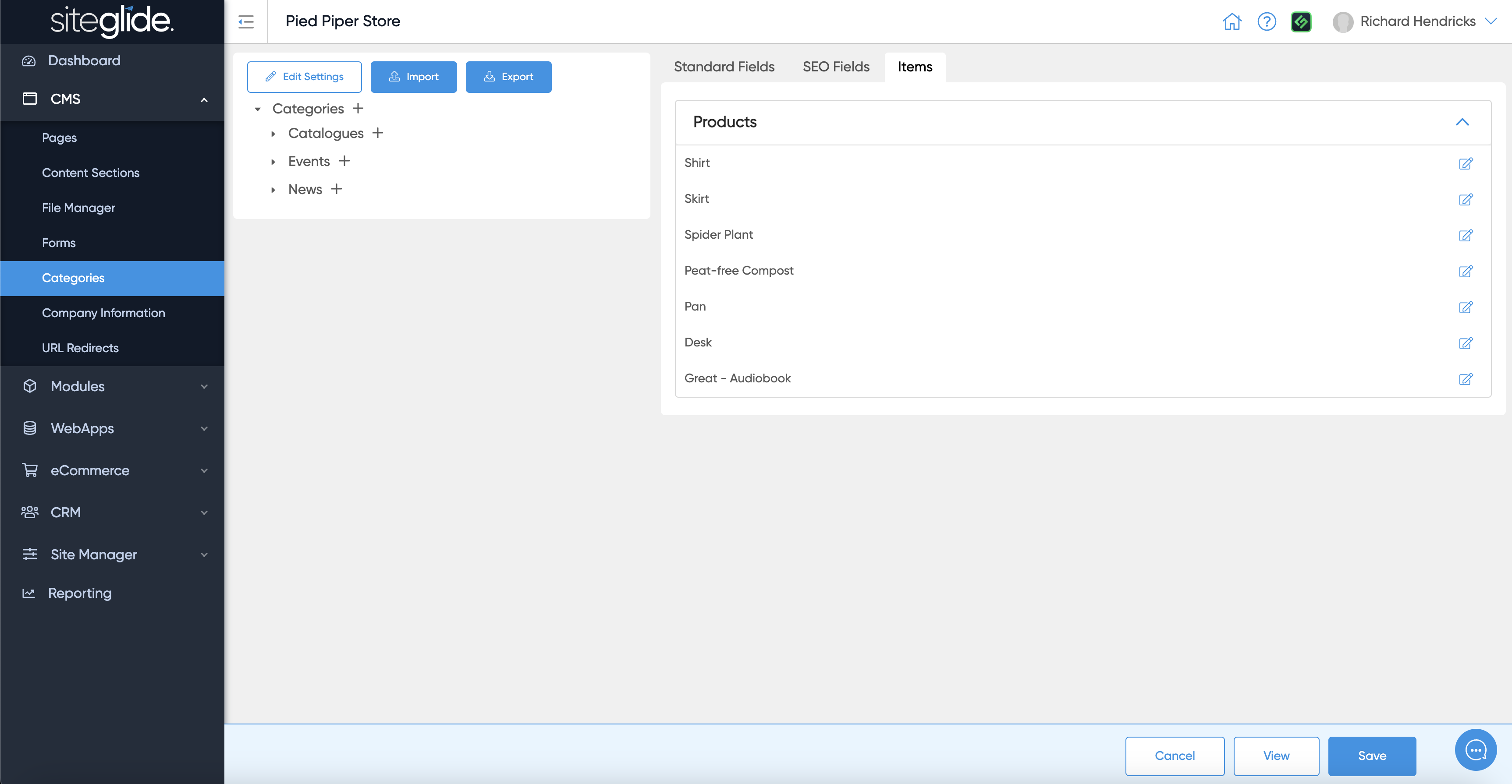
On an existing category you might see items that are already assigned to it, this is a helpful way to get directly to an item in a specific category:

<figure><img src="https://584571746-files.gitbook.io/~/files/v0/b/gitbook-x-prod.appspot.com/o/spaces%2Ft7n2OYNNUr9PgpkBD2eX%2Fuploads%2Fgit-blob-4e3f324523ae9938f47196e59656827b3fe02888%2FSiteglide-Categories-Items.png?alt=media" alt=""><figcaption></figcaption></figure>

## Step 5: Manage the Template and Layout

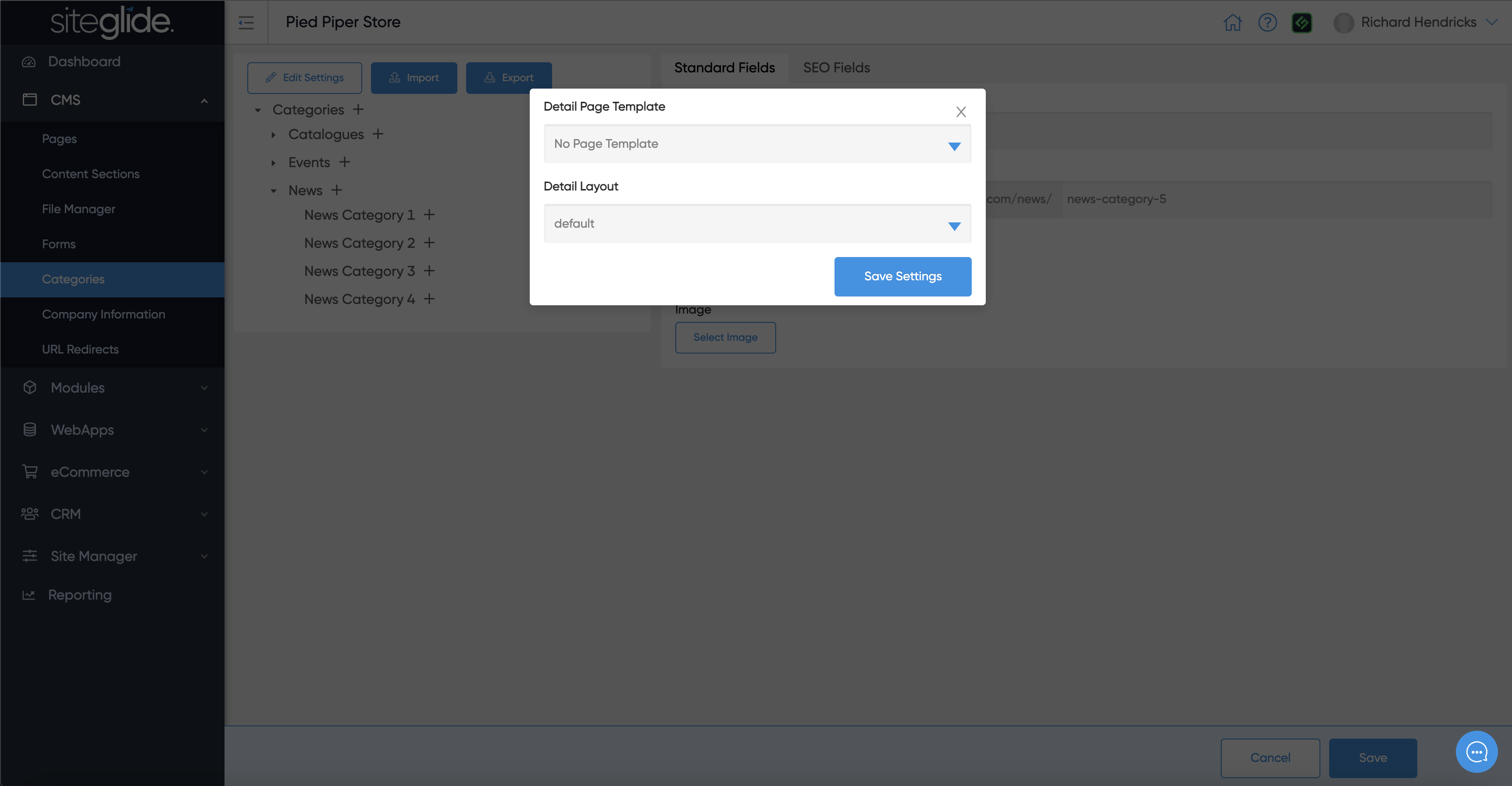
You might want to assign a Detail Page Template and Detail Layout to Categories if users are able to navigate through the file structure (useful for eCommerce etc):
<figure><img src="https://584571746-files.gitbook.io/~/files/v0/b/gitbook-x-prod.appspot.com/o/spaces%2Ft7n2OYNNUr9PgpkBD2eX%2Fuploads%2Fgit-blob-e1bb0818234e20dd38a59ae2c44995bccc4432b6%2FSiteglide-Categories-Edit-Settings.png?alt=media" alt=""><figcaption></figcaption></figure>