> For the complete documentation index, see [llms.txt](https://documentation.siteglide.com/llms.txt). Markdown versions of documentation pages are available by appending `.md` to page URLs; this page is available as [Markdown](https://documentation.siteglide.com/cms/automations/guides-automations/a-custom-liquid-action-example.md).
# A Custom Liquid Action Example
Once you've read how our [introduction to Automations](https://documentation.siteglide.com/cms/automations.md), you're ready to start creating your own. Below is an example of a custom action in Automations.
A custom action is a great place to run a [GraphQL mutation](https://documentation.siteglide.com/developer-tools/graphql/tutorials/tutorial-9-using-mutations-to-create-new-records.md) if you want to modify something in the site's database.
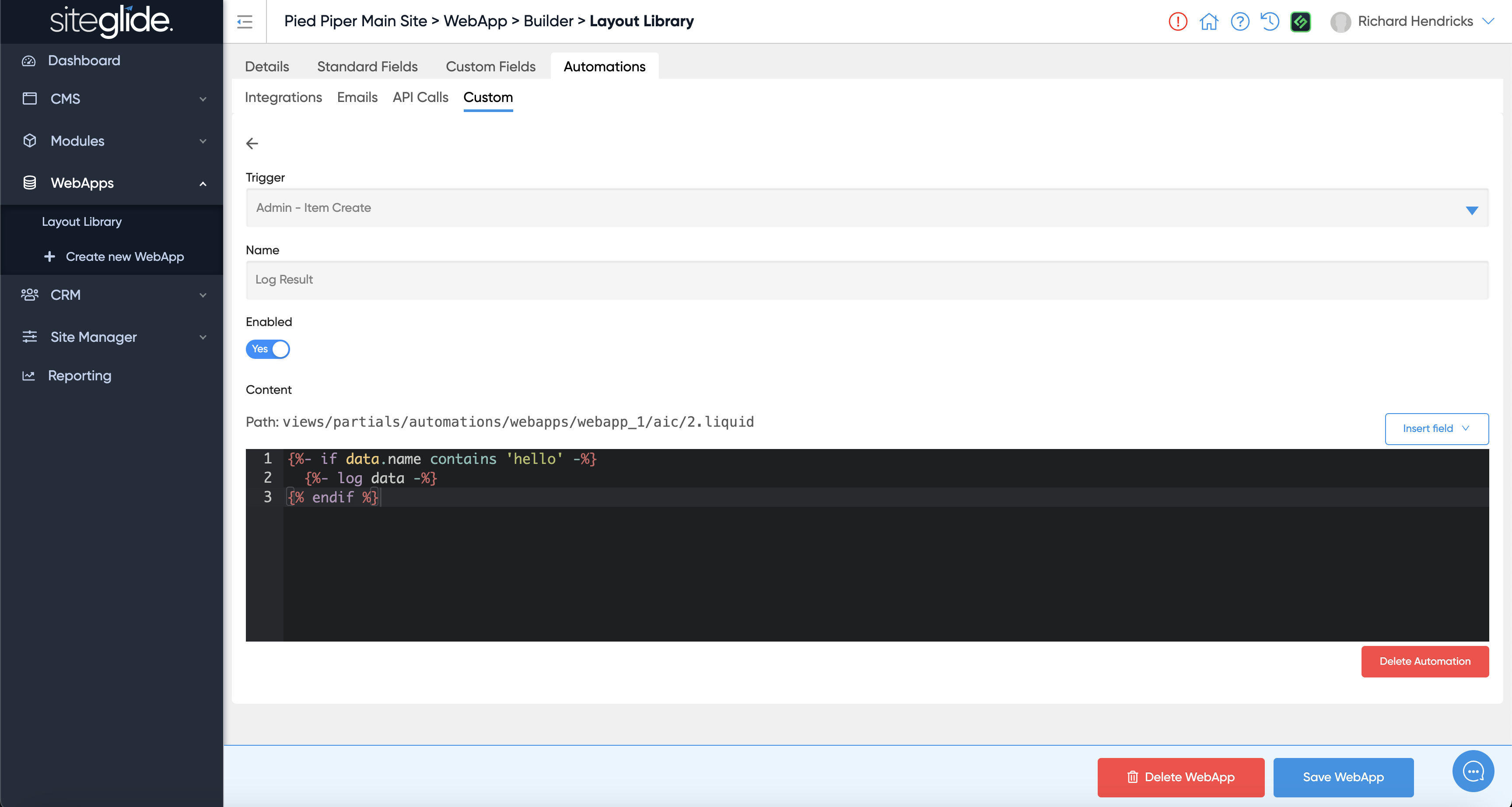
This example will log data if the WebApp item's name contains 'Hello'.
Learn more about the Log liquid tag here: - one caveat, to read logs you won't usually be able to use pos-cli with a Siteglide site, use siteglide-cli instead:
{% content-ref url="/pages/ssFQTAVwK3FHNXq9ZdnI" %}
[Reference](https://documentation.siteglide.com/developer-tools/cli/reference.md)
{% endcontent-ref %}